Last Updated: March 05, 2026
Cursor’s new AI coding tool for designers is the latest signal that design and engineering are converging fast. With Visual Editor, designers can tweak layouts, colors, and components using natural language prompts, while an AI agent writes and updates the underlying code in real time.
For non-technical founders and product designers, this feels like a dream: AI-powered web design without having to open a terminal, learn React, or fight with CSS.
But there’s a hard truth underneath the hype: tools like Cursor may transform how you design and front-end code your product, yet they don’t remove the need for a robust backend-especially once you move from “beautiful prototype” to “revenue-generating SaaS.”
This article breaks down what Cursor’s launch actually means for your workflow, where its strengths stop, and why your AI-enhanced design process still lives or dies on the quality of your backend infrastructure.
1. What Cursor’s AI Coding Tool for Designers Actually Does
Cursor started as an AI-first code editor, competing in the same space as tools like GitHub Copilot and Replit’s AI. Visual Editor extends that vision into the design layer.
From code editor to visual editor
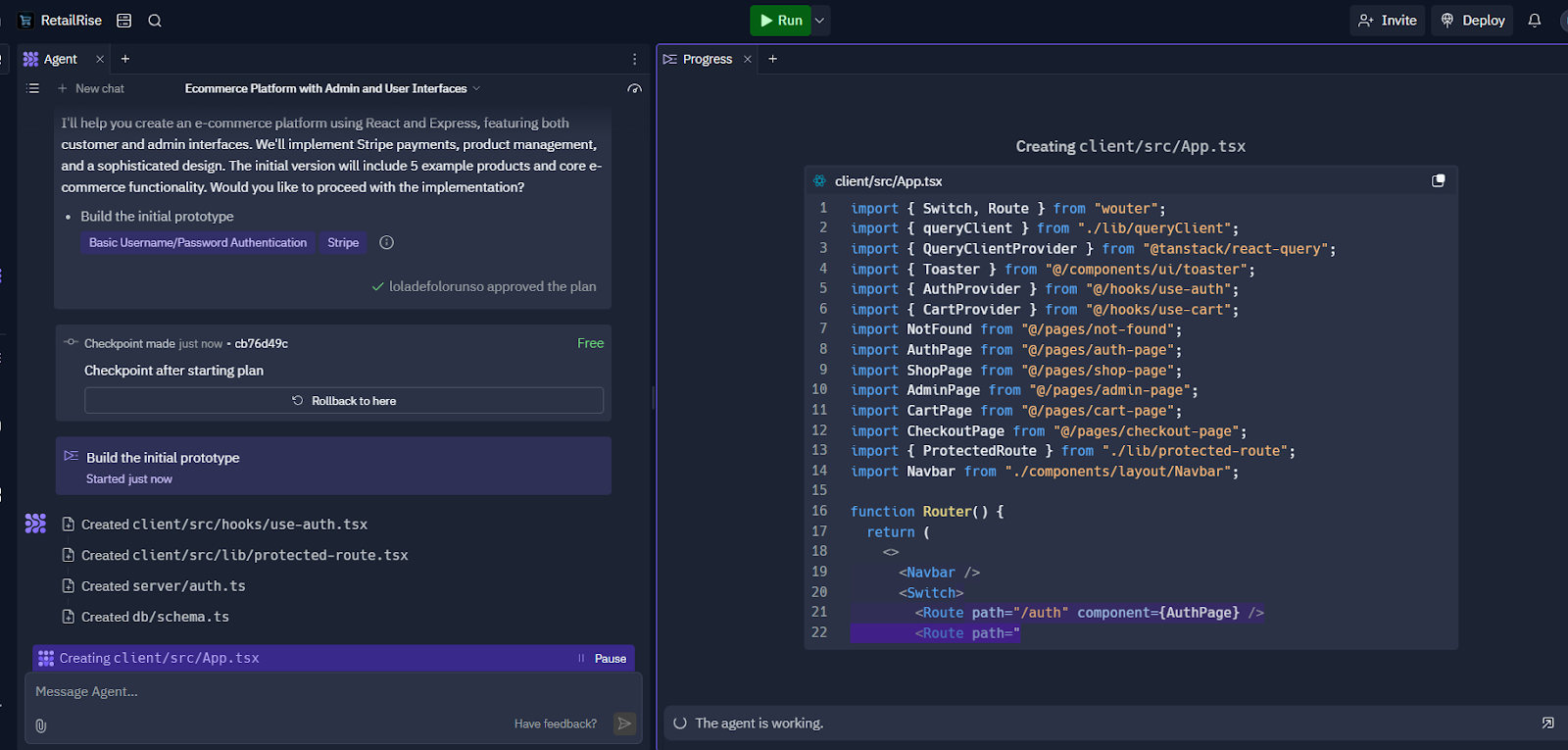
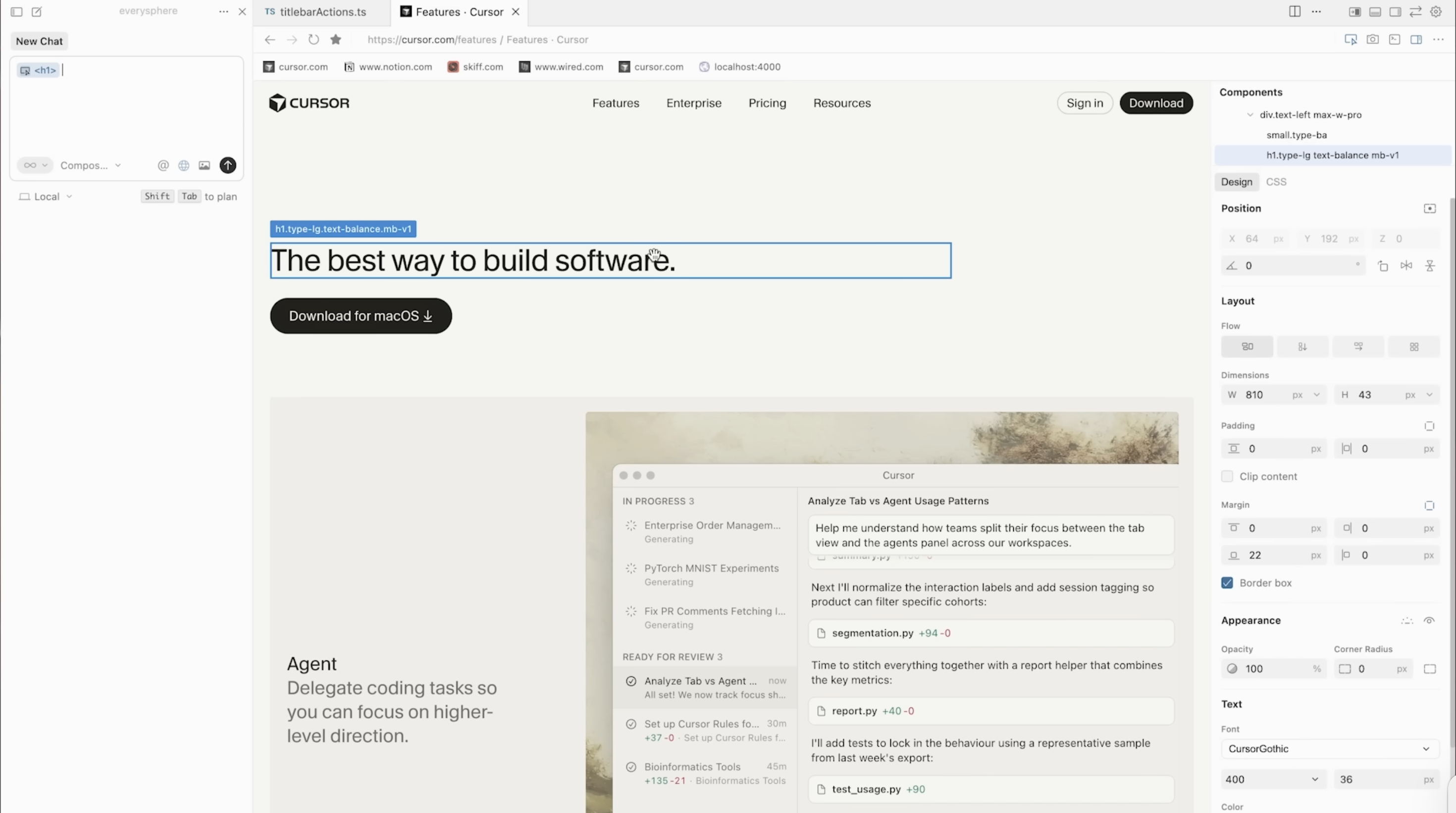
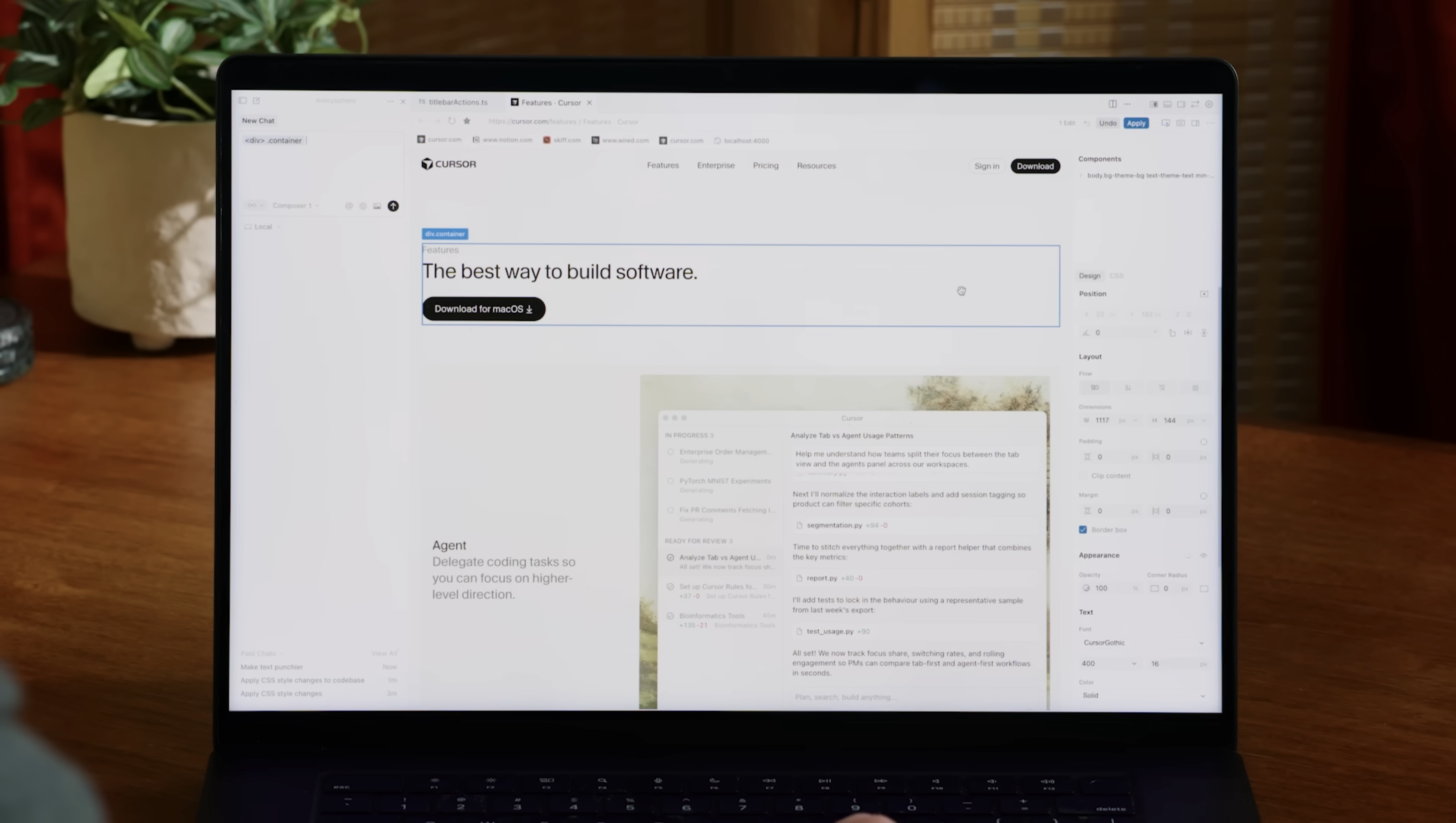
Cursor’s Visual Editor combines:
- A familiar canvas for tweaking UI elements (fonts, buttons, spacing, layout)
- A chat panel where designers can describe changes in natural language
- An AI agent for design that turns those requests into live code edits
You might say things like:
- “Make this button full-width on mobile.”
- “Use a darker version of this brand color for the header.”
- “Tighten up spacing between these cards.”
The AI then updates the underlying React / HTML / CSS code and shows you the result. This is essentially “vibe coding” for UI: you describe the vibe, and the model handles the tedious implementation details.
AI-powered web design with a direct line to code
Traditional design tools like Figma or Adobe XD create beautiful layouts-but they’re not code. Someone eventually has to translate those pixels into a working front end.
Cursor’s approach is different:
- You’re working directly on the codebase.
- The visual editor stays in sync with the code.
- Real-time design editing means designs and implementation don’t drift apart.
For startups, this potentially removes a huge chunk of communication overhead between designers and engineers.
2. Why Integrating Design and Code Matters
Bringing design and code into one workflow solves a real structural problem for modern product teams.
The classic designer-developer gap
In a typical setup:
- Designers create screens in Figma.
- Developers implement them in React / Vue / native.
- Something gets lost in translation-spacing, typography, behavior.
- The team goes back and forth over Slack, tickets, and Loom videos.
This handoff is slow and frustrating for everyone, especially in early-stage startups where speed is survival.
Design tools integration as collaboration infrastructure
An AI coding tool for designers smooths this process by:
- Reducing back-and-forth: Designers can make simple UI changes without a dev.
- Keeping source of truth in the code, not in a separate design artifact.
- Supporting real-time design editing where you see UI updates instantly.
That’s more than convenience; it changes who can meaningfully contribute to the product.
- Non-technical founders can experiment with onboarding flows.
- Designers can refine responsive behavior without waiting for sprints.
- Engineers can focus on architecture, performance, and hard problems instead of minor UI tweaks.
The result: faster iteration cycles, more experiments, and tighter feedback loops.
3. Where AI Design Tools Stop: The Backend Reality
AI-enhanced design is powerful-but it’s only the front half of building a product.
Cursor can help you:
- Generate and refine UI components
- Wire up basic API calls
- Implement layout and styling faster
It does not automatically solve:
- Authentication and secure sessions
- Data modeling and migrations
- File storage, uploads, and access control
- Real-time sync across devices
- Background jobs, queues, and scheduled tasks
- Analytics, logging, monitoring
- Scaling and uptime under real traffic
Those live in the backend.
Front-end vibe coding vs. production-grade systems
Think of it this way:
- Cursor’s vibe coding lets you turn product ideas into interactive screens.
- Production-grade apps need reliable infrastructure behind those screens.
That means:
- A database with predictable performance and query patterns
- A way to handle real-time subscriptions (live notifications, live dashboards)
- Secure APIs your front end, mobile apps, or AI agents can call
- An architecture that scales when your first big customer signs on
This is why tools like Firebase and other Backend-as-a-Service offerings became popular: they abstract away critical but unglamorous infrastructure.
AI design tools don't remove these backend needs-they increase them by making it easier to build more front ends, faster.
For teams evaluating backend options, it's worth comparing platforms based on your specific needs. If you're considering Firebase, SashiDo's comparison with Firebase breaks down key differences in pricing, data sovereignty, and Parse Server's open-source flexibility versus Firebase's proprietary ecosystem.
Data sovereignty and AI
If you’re a European SaaS company or handling EU user data, there’s an extra layer: GDPR and data residency. The European Commission’s guidance is clear that organizations are responsible for how and where personal data is processed.
When your front end can be changed rapidly by AI agents, your backend becomes the anchor point for:
- Access control
- Data retention policies
- Consent management
- Auditability
In other words: AI-powered web design raises the bar for backend governance, not the opposite.
4. Cursor vs. Existing Design Platforms
Cursor isn’t launching into a vacuum. Designers already rely on a rich ecosystem of tools.
Cursor vs. Figma and Adobe
Tools like Figma and Adobe XD excel at:
- High-fidelity visual design
- Design systems and component libraries
- Cross-functional collaboration and commenting
Where Cursor differs:
- It targets code-first workflows.
- The canvas maps directly to live components and code.
- Its AI agent for design edits implementation as well as layout.
This makes Cursor less of a replacement for Figma, and more of a bridge between design intent and production code.
Cursor vs. no-code and visual builders
Platforms like Webflow or Framer also promise AI-powered web design and visual development.
Their strengths:
- Hosted environments with built-in CMS
- Visual-first workflows, often with minimal code exposure
- Very fast landing page and marketing site creation
Their trade-offs:
- You’re operating within a closed ecosystem.
- Custom business logic and complex data models can get painful.
- Migration later can be costly.
Cursor sits closer to a traditional dev stack:
- You keep your own codebase, repo, and stack.
- You use AI and visual editor features to accelerate, not replace, coding.
That's attractive if you care about long-term flexibility, but it puts more responsibility on you to choose the right backend foundation.
For example, with SashiDo, you maintain full control over your codebase and can use Cursor to rapidly iterate on your UI, while SashiDo handles the backend infrastructure-authentication, database, real-time features, and EU-compliant hosting-without locking you into a proprietary platform. You get the flexibility of Parse Server's open-source ecosystem combined with managed infrastructure.
5. Practical Use Cases for AI-Powered Web Design in Startups
If you’re a non-technical founder or designer, where do tools like Cursor make the biggest impact?
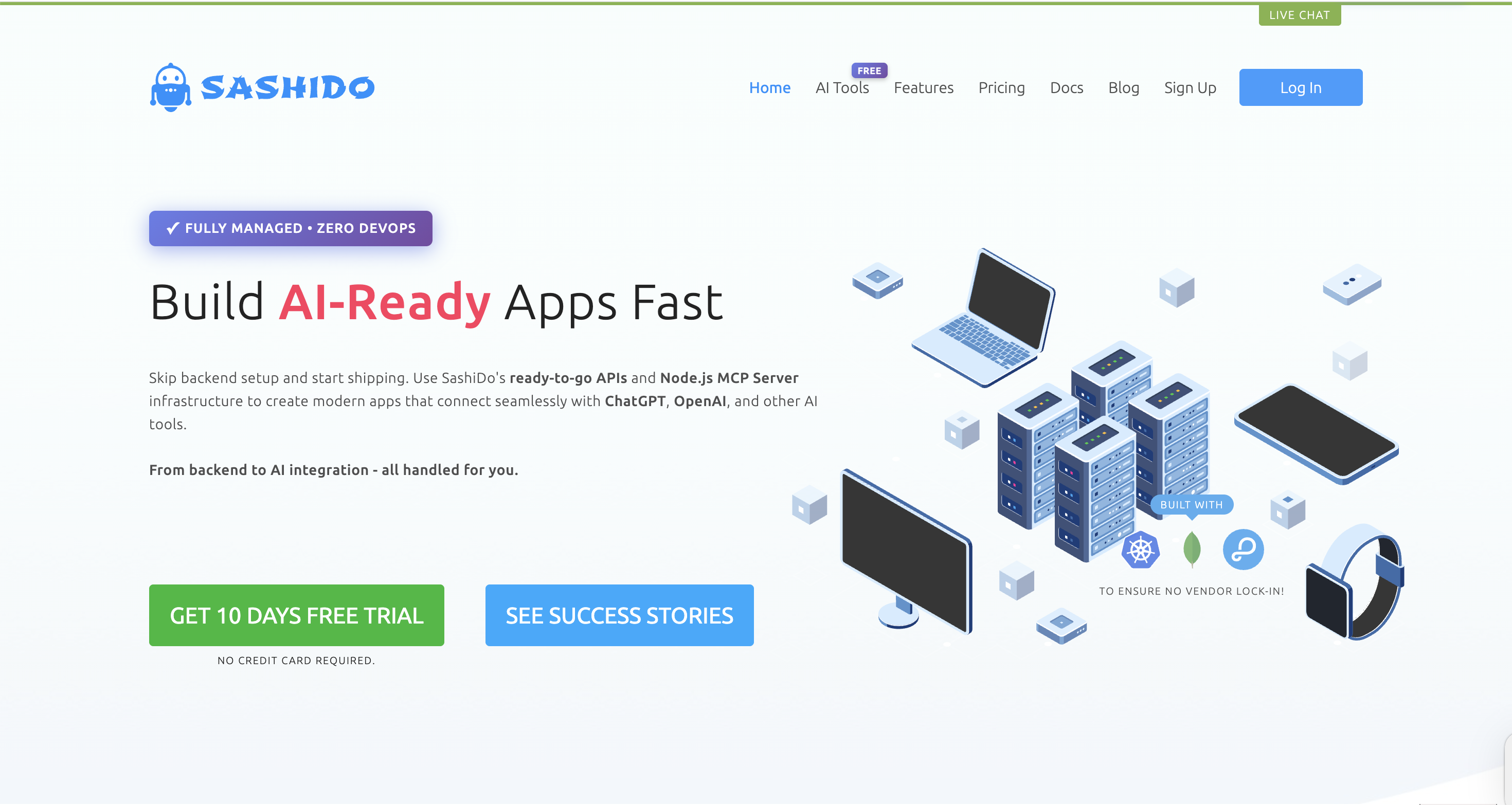
1. Landing pages and onboarding experiments
You can:
- Spin up landing pages for new features.
- Test different onboarding flows or pricing layouts.
- Run quick A/B tests on messaging and layout.
The AI handles layout tweaks and variations while you focus on the story.
2. Internal tools and admin dashboards
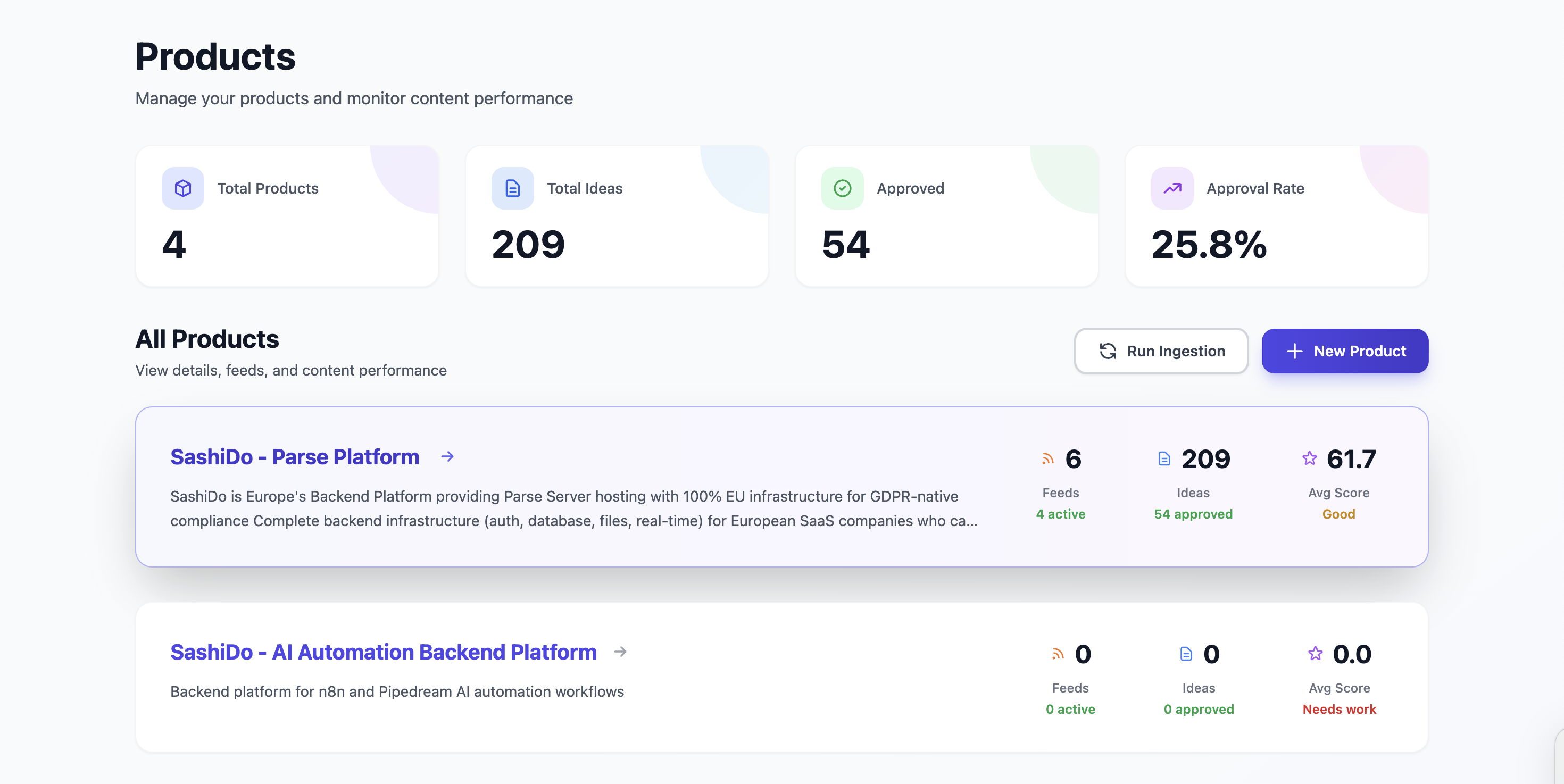
Many early-stage SaaS companies stall because their internal tooling is clunky. With real-time design editing, you can:
- Create better admin dashboards.
- Build support tools your CS team actually wants to use.
- Iterate on these screens without dragging engineering into every change.
3. Product UI refinement
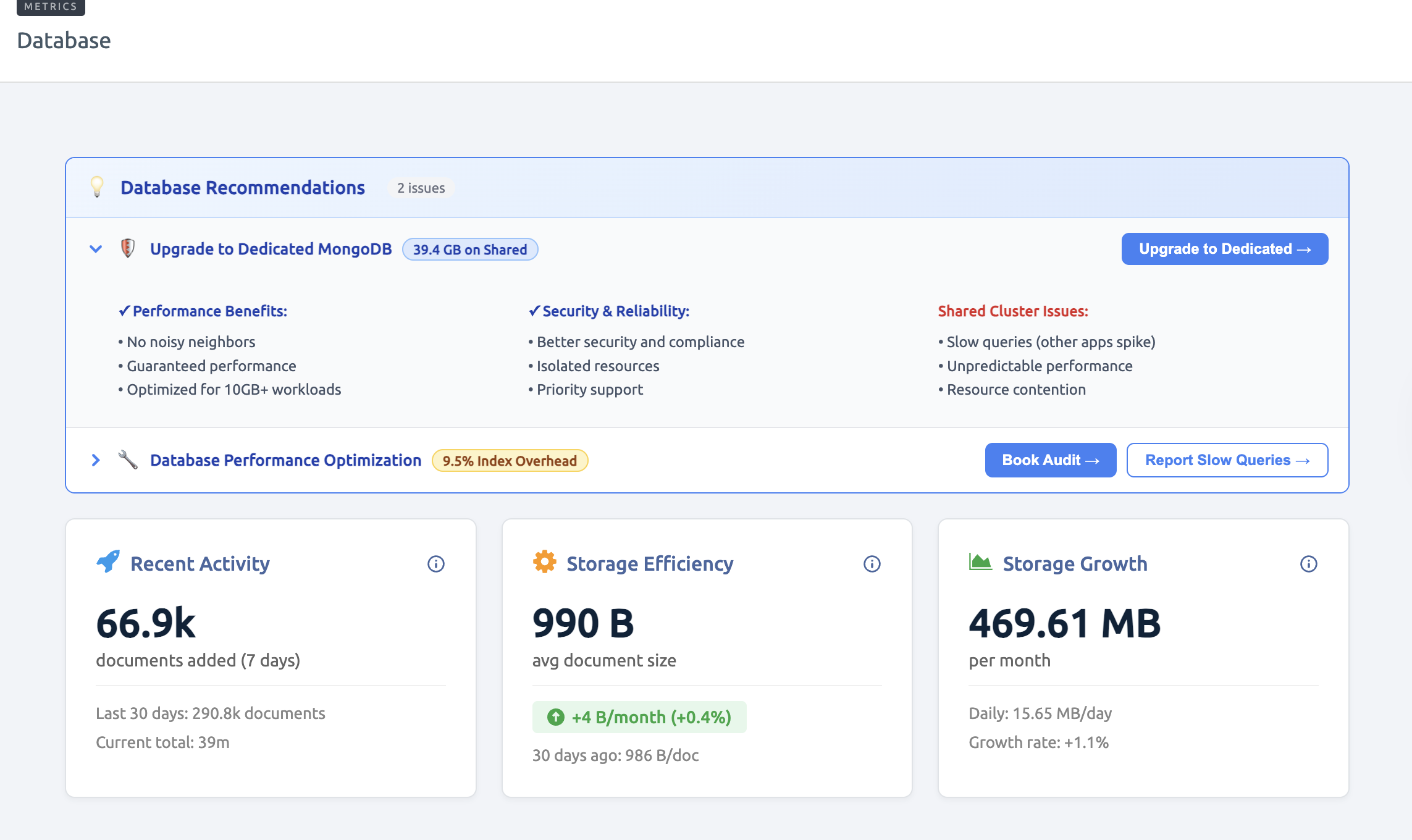
Once you have working features, design becomes a key differentiator.
Cursor-like tools can:
- Help you unify spacing, typography, and color.
- Consistently apply design tokens across pages.
- Make your UI feel like a cohesive product, not a collection of experiments.
4. AI-native workflows
Because Cursor is AI-first, it pairs well with other AI capabilities:
- LLM-generated components for onboarding tours
- Auto-suggested error copy or microcopy
- Faster prototyping of complex views like analytics or reporting
As long as the backend can support these use cases-storing state, computing metrics, pushing real-time updates-AI design tools can help you ship them much faster.
6. From AI Mockup to Live Product: An Implementation Checklist
Using an AI design tool is just one phase of building a modern SaaS product. Here’s a pragmatic checklist to go from “Cursor prototype” to production-ready app.
Step 1: Clarify your front-end responsibilities
Ask:
- Which parts of the UI will designers own day-to-day?
- Which components are considered “core system” and need engineering review?
- How will you track design decisions made via AI prompts?
Define a lightweight process so your AI-assisted design work remains understandable and reviewable. For guidance on establishing these workflows, see SashiDo's Getting Started Guide.
Step 2: Choose a backend that matches your team
If you’re a small team without a dedicated DevOps function, be realistic:
- Do you really want to maintain Kubernetes clusters?
- Who will own security updates and scaling when you get traffic spikes?
Look for backend platforms that provide:
- Authentication, database, files, and real-time out of the box
- Auto-scaling without complex infra work
- Straightforward SDKs for web and mobile
- Support for AI and LLM workloads if your product is agent- or chat-driven
This lets your designers and front-end developers move quickly without fragile, hand-rolled backends.
Here's how quickly you can set up these capabilities with SashiDo and Parse Server:
// Authentication - built-in user management
const user = await Parse.User.signUp("username", "password", { email });

// Database - simple object storage with queries
const Product = Parse.Object.extend("Product");
const product = new Product();
await product.save({ name: "Widget", price: 29.99 });

// Files - direct upload support
const file = new Parse.File("photo.jpg", fileData);
await file.save();
product.set("image", file);

// Real-time - live queries for instant updates
const query = new Parse.Query(Product);
const subscription = await query.subscribe();
subscription.on('create', (product) => updateUI(product));

// Cloud Functions - for AI/LLM integration
Parse.Cloud.define("generateContent", async (request) => {
  const response = await callOpenAI(request.params.prompt);
  return { content: response };
});
Step 3: Decide what must be real-time
Real-time experiences are addictive-but they're not free.
Clarify which parts really need live updates:
- Collaborative editing, presence indicators
- Notifications and activity feeds
- Live dashboards and analytics
Then ensure your backend supports real-time database subscriptions or equivalent mechanisms so your beautifully designed UI can actually stay in sync.
With SashiDo and Parse Server, real-time subscriptions are straightforward. For a deep dive into how this works, see SashiDo's guide to Parse Server Live Queries, or try the interactive live queries demo if you have a SashiDo application:
// Subscribe to live updates on the front end
const query = new Parse.Query('Message');
query.equalTo('roomId', currentRoom);

const subscription = await query.subscribe();

// Handle real-time events
subscription.on('create', (message) => {
  // New message arrived - update UI
  displayNewMessage(message);
});

subscription.on('update', (message) => {
  // Message edited - refresh UI
  updateMessageInUI(message);
});
Step 4: Plan for background work
AI-heavy products often rely on:
- Long-running jobs (e.g., generating reports, processing uploads)
- Scheduled tasks (e.g., sending reminders, periodic cleanups)
Your backend should natively support background jobs and task scheduling, so your front-end and design layers don't have to work around missing capabilities.
For example, with SashiDo and Parse Server, you can define background jobs directly:
// Define a background job
Parse.Cloud.job("sendWeeklyReport", async (request) => {
  const users = await new Parse.Query("User").find({ useMasterKey: true });

  for (const user of users) {
    await sendReportEmail(user);
  }

  return { success: true, processed: users.length };
});

// Schedule it to run weekly
// Configure via SashiDo dashboard or use Parse.Cloud.startJob()
Step 5: Keep governance and compliance in view
If you’re operating in the EU or serving EU users:
- Confirm data residency and processing locations.
- Map out what personal data your AI features collect.
- Ensure you can honor data access/deletion requests across your stack.
AI agents editing UI and behavior doesn’t reduce your responsibility; it increases the number of ways data can be displayed and used.
7. Preparing for the Future of AI Coding Tools for Designers
Cursor’s launch is part of a broader shift: design, code, and infrastructure are becoming more tightly coupled, with AI mediating the gaps.
Expect to see:
- Multi-agent collaboration, where design and dev agents coordinate work.
- Deeper integration between design systems, component libraries, and backends.
- More products where non-technical roles can safely ship UI changes.
In that world, your strategic advantage won’t just be which AI coding tool for designers you choose-but how solid your foundation is beneath it.
If you’re finding that AI tools are helping you move faster on the front end, but your team is slowed down by backend bottlenecks, DevOps overhead, or EU compliance questions, it may be time to pair AI design tools with a purpose-built backend platform. For European SaaS teams that care about speed, scalability, and data sovereignty, one practical next step is to explore SashiDo’s platform, which offers Parse Server-based backend services, 100% EU infrastructure, real-time features, and AI-ready capabilities without the need to build and maintain complex DevOps pipelines.
As AI continues to blur the lines between design and code, the winners will be teams that combine:
- Fast, AI-accelerated workflows on the front end
- A robust, compliant, and scalable backend
Cursor and similar tools give you the first. Choosing the right backend ensures everything you design can scale into a durable, trustworthy product.
8. Full Tutorial: Design to Code with Cursor
For a comprehensive walkthrough of Cursor's capabilities, watch this 45-minute tutorial with Ryo Lu, Cursor's Head of Design, demonstrating the complete design-to-code workflow:
Note: This tutorial covers practical examples of using Visual Editor, natural language prompts, and AI-assisted coding to build production-ready interfaces.
