Last Updated: July 29, 2026
If you build AI products in public, you have probably felt this pattern. The UI and the AI logic come together fast, then everything slows down the moment you need accounts, saved history, uploads, and a way to share the demo without leaking keys or racking up surprise bills. That is where backend as a service stops being a “nice to have” and becomes the shortest path from a promising prototype to something users can actually rely on.
Claude artifacts are a great example of this new prototyping reality. You can get to a working AI-powered app in minutes, iterate by chatting, and publish a link that people can try immediately, all without shipping infrastructure first. The trick is knowing exactly when the prototype has earned the right to become a product, and what you need on the backend when that day comes.
Why artifacts are such a cheat code for AI prototyping
Artifacts work because they remove the friction that usually kills early momentum. Instead of setting up a project, wiring API keys, and building a deploy pipeline, you can ask for an interactive artifact, tweak the UI, and keep iterating until the behavior is right.
The most underrated part is the demo economics. When you publish an artifact, people interact through their own Claude account, and their usage counts against their own plan. That “user pays for their own inference” model is why artifacts are so shareable for early validation. You can send a working demo to a small community, a potential customer, or an investor without turning into a part-time billing manager. Anthropic documents this behavior in their help center, including how shared artifacts work and how usage is attributed to the person using the artifact, not the publisher.
If you have ever tried to ship a demo that uses your own hosted API key, you know the failure modes. Someone bookmarks it and hammers it. Someone shares it and you do not notice. A crawler hits it. Your spend spikes. Artifacts are a clean escape hatch from that mess while you are still answering the only question that matters early on: does anyone care enough to keep using this?
You will also notice how iteration changes. Instead of debugging stack traces, you describe what broke. Instead of planning a sprint, you fork and try a different direction. That speed is the point.
If you want to keep that speed after validation, this is where a managed backend helps. You can prototype the experience in artifacts, then graduate to a production backend without becoming an expert in infrastructure on day one.
The moment your prototype hits reality, the backend gaps show up
Artifacts are optimized for building and sharing. Products are optimized for repeatable, stateful usage. The gap between the two is not “more features”. It is operational reality.
You usually feel it as soon as you try to add any of the following.
First, persistence. Users want to come back and see their past conversations, saved outputs, settings, or custom data. A prototype that forgets everything is fine for a demo, but it is rarely acceptable for week-two retention.
Second, identity. The moment you add even a light personalization feature, you need sign-in, session handling, password resets, and basic abuse prevention. Rolling auth yourself is not hard in theory, but in practice it is a swamp of edge cases.
Third, files. AI apps almost immediately become upload-driven. Images, PDFs, audio, exports, generated assets, and attachments. If you do not have a real storage layer with predictable URLs and permissions, you end up duct-taping a temporary solution and paying for it later.
Fourth, realtime. Even simple collaborative experiences like shared state, live updates, “your teammate is typing”, or dashboard counters become painful without a realtime channel. WebSockets are the standard for that kind of low-latency communication, but running them reliably is not a weekend project.
Finally, background work. The best AI apps do things when the user is not looking. Generate summaries nightly. Re-run analysis when a document changes. Send push notifications when a job completes. That requires scheduled and recurring jobs plus a way to monitor failures.
This is the point where a serverless backend or a backend for modern apps is not about “scaling to millions” yet. It is about making your validated prototype survivable.
Backend as a service checklist for turning a prototype into a product
When you graduate from artifact to production, the goal is not to rebuild everything. The goal is to keep what is already working and add the missing backend primitives in the smallest possible steps.
Start with persistent data that matches how you prototype
Most solo builders store whatever the app needs, then refine structure later. That is why document databases tend to fit early-stage AI products well. You can start simple, evolve fields gradually, and keep shipping.
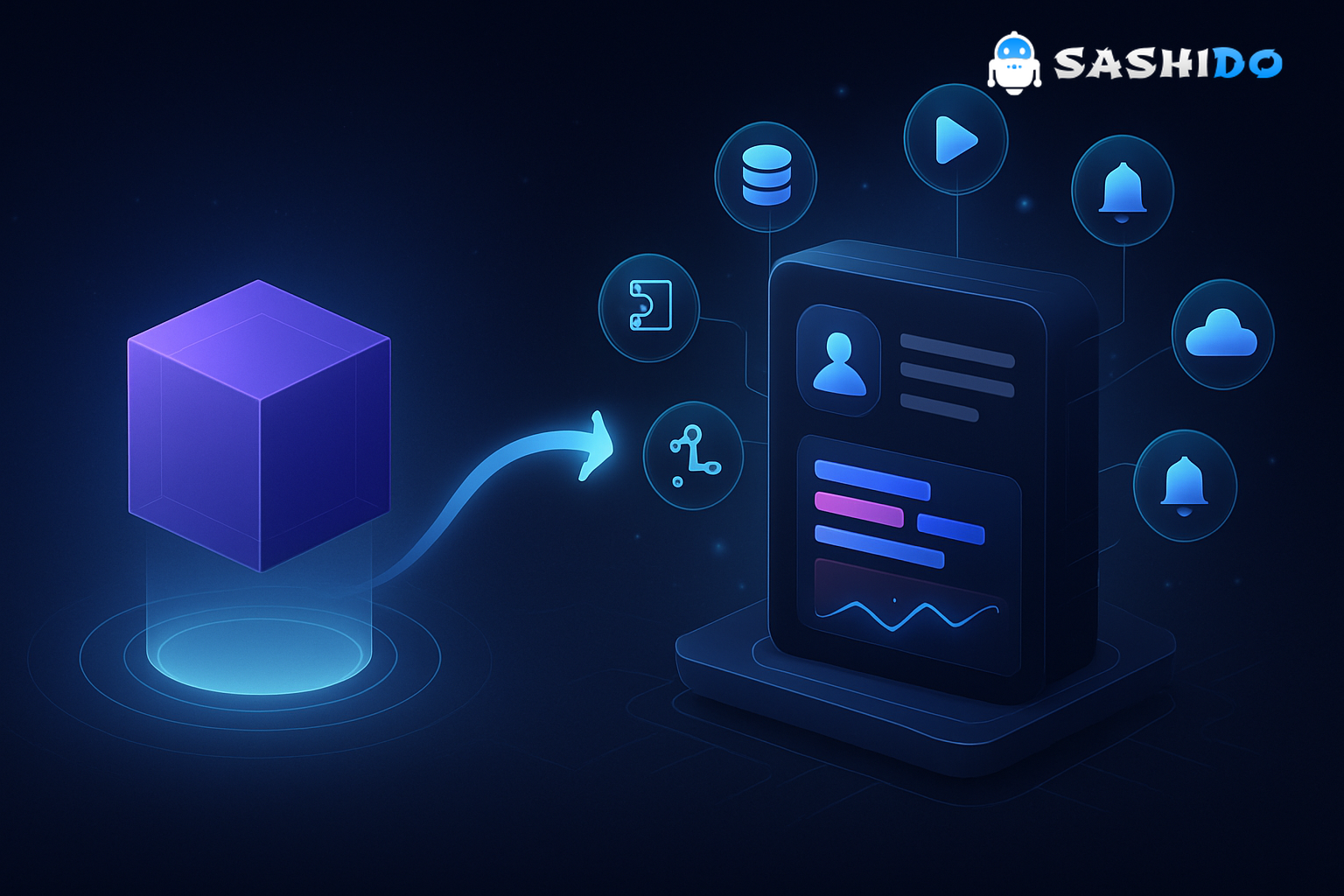
SashiDo - Backend for Modern Builders ships every app with a managed MongoDB database and a CRUD API. If your artifact became, say, a PRD generator or a “5 whys” analysis assistant, persistence is usually just saving inputs, outputs, and metadata like model settings and timestamps. MongoDB’s CRUD model is straightforward and well documented, which helps when you are moving fast and want predictable operations.
A practical rule. Keep your first “production” data model boring. One collection for users, one for sessions or chats, one for saved documents. That is enough to unlock real usage without turning data modeling into a project.
Add an auth API before you add “account features”
A common trap is building account-level features before reliable identity exists. Features like saved history, quota plans, or team sharing become messy if you do not have stable user IDs.
SashiDo includes a complete user management system, so you can ship email login and social logins without bolting on extra providers. Google and GitHub are often the fastest for indie products, but you can also enable others when it makes sense. The key is that auth becomes a platform primitive, not a custom module you maintain.
This is also where you start to control usage. Even a simple “requests per user per day” limit is a huge quality-of-life improvement once you go public.
Treat uploads as a first-class product feature
If users can upload a PDF or export a generated file, the storage layer needs to be reliable and cost-predictable. You also need to think about access control. Public, private, expiring links, and per-user directories.
SashiDo’s file layer is built on AWS S3 and integrates with a CDN for fast delivery. That matters for AI apps because generated assets can be large, and file downloads need to feel instant. It also keeps you close to the “standard building blocks” of the cloud, which is comforting if you worry about vendor lock-in.
Use realtime when it improves the product, not because it is trendy
Realtime is not required for every app, but when it is needed, it is usually non-negotiable. Examples that show up quickly in real products include live job progress, shared dashboards, collaborative annotation, and multi-device sync.
SashiDo supports realtime over WebSockets, so you can sync client state globally without building your own socket infrastructure. Under the hood, WebSockets are the protocol that enables full-duplex communication between client and server, standardized in RFC 6455. Knowing that the protocol is mature and widely implemented helps you justify the architectural choice.
Add serverless logic to bridge AI workflows and your database
Artifacts let you prototype logic inline. Production apps need a secure place for business logic, webhooks, and integrations.
With SashiDo you can deploy JavaScript functions quickly, run them close to users in Europe or North America, and monitor them. In practice, serverless functions become the glue for AI workflows. They validate inputs, call external APIs when needed, enrich documents, and enforce authorization rules that should never live in the client.
A good early pattern is to keep the AI call in the client only while you are testing. Once you move to production, shift anything sensitive or quota-related to server-side functions so you can control rate limits and protect secrets.
Schedule jobs and send push notifications when retention matters
A surprising number of AI apps become “set and forget” tools. Users upload something, leave, then want a notification when the result is ready. Or they want daily and weekly summaries.
SashiDo supports scheduled and recurring jobs managed from the dashboard, plus cross-platform push notifications for iOS and Android. For solo founders this is a big deal because push and background jobs are usually the first “enterprise-ish” features that are painful to wire correctly.
The retention reality is simple. If your product delivers value later, it needs a way to reach the user later.
A pragmatic migration path: keep the artifact’s speed, add production rails
The smoothest transition is to treat your artifact as the product spec and UI sketch, then copy the working parts into a normal repo when you are ready.
Start by identifying what in your artifact is “demo logic” versus “product logic”. Demo logic is hard-coded prompts, mock data, or shortcuts you used to show the idea. Product logic is the UI flow, the core interaction loop, and the inputs that users actually care about.
Next, move persistence and auth first. This immediately turns your prototype into something that can survive multiple sessions. Your app can keep a user’s generated items, their preferences, and basic history.
Then add files and exports. If your artifact produced something users want to save, that is usually the first feature that earns repeat usage.
Only after that, add background jobs, realtime, and push. These are multipliers, not foundations.
Two trade-offs to watch during this migration.
One, do not over-engineer a “perfect backend”. Your goal is to reduce unknowns, not create a new one. Managed backends are valuable because they constrain your choices in a helpful way.
Two, keep portability in mind without letting it paralyze you. SashiDo is built on Parse, which is open source, and that gives you a practical escape hatch if you ever need it. You can read about Parse Server directly from the community repository and documentation, which is a nice confidence check when you are choosing a backend as a service.
Cost control and scaling without DevOps, before you need a DevOps hire
Indie builders tend to fear two kinds of costs. AI inference costs and infrastructure costs. Artifacts reduce the first during prototyping by shifting usage to the user’s plan. A managed backend reduces the second by giving you a predictable base and clear upgrade knobs.
With SashiDo, you get a 10-day free trial without a credit card, then you can pick a plan based on your app’s request volume, storage, and data transfer. Pricing can change, so for any current numbers, the only source of truth should be the official pricing page. The practical point is that you can start small, then pay more only when usage proves the product.
Scaling is rarely “move to Kubernetes” for your first real users. It is usually “the app is slower today” or “jobs are backing up” or “uploads are lagging in one region”. That is why capacity knobs matter. SashiDo’s Engine feature is designed for this reality, so you can scale compute without redesigning the app. If you want to understand what that scaling looks like and how cost is calculated, our Engine overview is a useful reference.
The other scaling reality is reliability. When the demo becomes a dependency for a business, you start thinking about high availability, self-healing, and zero-downtime changes. Those are topics you want to decide on before your first outage becomes your first churn event.
Security and compliance choices you should make early
You do not need enterprise compliance to launch. You do need basic hygiene.
Start with the basics. Make sure you know where data is stored, who can access it, and how you can delete it. If you store user uploads or AI outputs, be explicit about retention. If you allow social login, ensure you are not over-collecting permissions.
Backups are another “not urgent until it is urgent” category. A simple backup policy is a confidence booster when you start charging. If you have compliance-sensitive users, you also want clear terms, privacy notices, and support policies you can point to.
SashiDo publishes policies and documentation that are worth skimming early, not when something goes wrong. It is easier to make good decisions when you understand what the platform guarantees and what it expects from you.
A simple decision framework for solo founders
When you are working alone, the best architecture is the one you can maintain.
Use artifacts when you are still answering product questions. Is the loop satisfying. Do users understand the output. Does anyone share it.
Switch to a backend as a service when you need repeat usage. Accounts, saved state, file uploads, and guardrails.
Invest in deeper infrastructure only when your bottleneck is clearly technical, not product-market fit.
If you want a quick sanity check before you move to production, ask yourself.
- Did at least a few people come back to the artifact on their own.
- Do users ask for saved history, exports, or uploads.
- Are you avoiding sharing the demo because of cost or key management.
- Do you need a reliable way to limit usage per user.
If you answered yes to two or more, you are usually past the “just a demo” phase.
Sources and further reading
These are the references that matter for the technical claims in this article, plus a few practical reads if you want to go deeper.
External sources that clarify key building blocks include Anthropic’s help content on artifacts and sharing behavior, which is useful to understand why artifact demos avoid API key management. MongoDB’s CRUD documentation is a solid reference for how document persistence works in practice. The WebSocket protocol is standardized in RFC 6455, which is the baseline for realtime app communication. AWS documentation for S3 and CloudFront is helpful background for object storage and CDN delivery. Parse Server’s open-source repository and docs are a good checkpoint if you care about backend portability.
- Anthropic Help Center: What are artifacts and how do I use them?
- Anthropic Help Center: Prototype AI-powered apps with Claude artifacts
- MongoDB documentation: CRUD Operations
- RFC 6455: The WebSocket Protocol
- AWS documentation overview: Amazon S3
- AWS documentation overview: Amazon CloudFront
- Parse Server (open source)
If you are considering SashiDo specifically, our developer docs and Getting Started guide help you connect the dots from idea to deployed app. For cost planning, always check the pricing page so you are working with current numbers.
When you are done validating your artifact and want real accounts, persistent data, uploads, realtime updates, jobs, and push, you can explore SashiDo’s platform at SashiDo - Backend for Modern Builders and keep shipping without adding DevOps to your to-do list.
Conclusion: keep your momentum with backend as a service
Artifacts make it normal to go from idea to working demo in a single sitting. The winning move is not to abandon that speed when you get traction. It is to keep the same iteration loop and add the backend primitives that production demands.
A backend as a service helps you do that by giving you managed persistence, an auth API, a cloud storage API, realtime capabilities, jobs, functions, and push notifications without building an ops team. That is exactly the kind of bridge SashiDo - Backend for Modern Builders is designed for, especially when you want to deploy backend in minutes and scale without DevOps.
Ready to go from prototype to production. Deploy your backend with SashiDo - Backend for Modern Builders. Start a 10-day free trial, no credit card, and get built-in MongoDB, Auth, Storage, Realtime, Serverless Functions, and Push at https://www.sashido.io/en/
