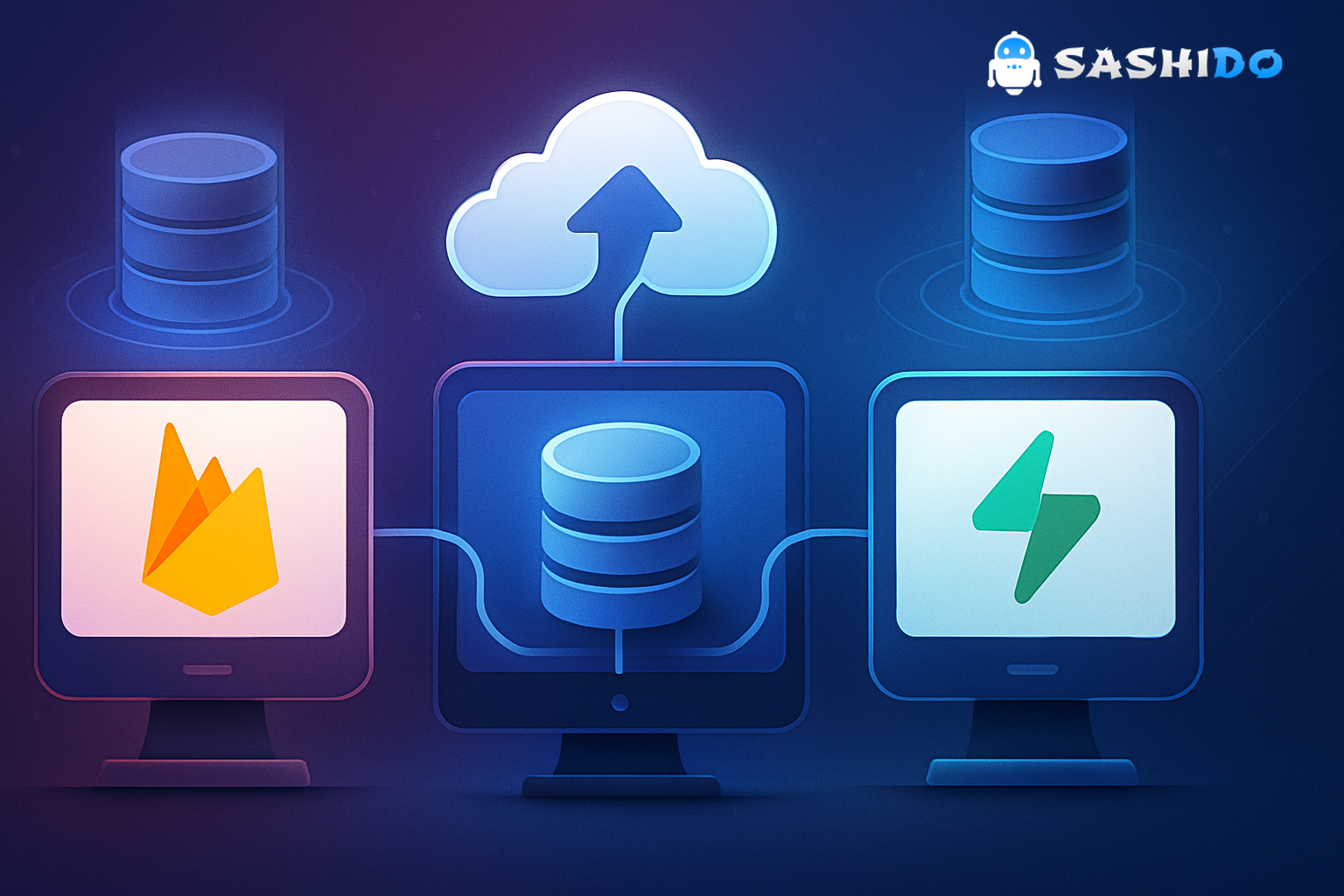
Choosing a backend usually feels easy right up until the data model starts fighting the product. That is why the question of firebase as database matters more than it first appears. For a quick prototype, Firebase can feel almost frictionless. But once an app needs complex relationships, predictable costs, or cleaner migration paths, the decision gets harder.
Most small teams are not comparing tools in a vacuum. They are trying to ship with limited engineering time, no dedicated DevOps team, and very little tolerance for backend rewrites six months later. In practice, this is where the Firebase versus Supabase decision becomes less about feature checklists and more about how your data behaves under real product pressure.
The short version is simple. Firebase is often the easier fit when realtime sync is the core of the product and a document model matches the way the app works. Supabase is often the better fit when relational queries, SQL workflows, and portability matter from day one. And for teams that want managed infrastructure without getting boxed into a fragile setup, there is a third path worth considering.
Try SashiDo - Backend for Modern Builders free for 10 days, no credit card required, and prototype a working backend in minutes.
When Firebase as Database Works Well
Using firebase as database makes sense when speed matters more than structure. If you are building chat, presence, live feeds, collaborative editing, or dashboards where data changes need to appear instantly across devices, Firebase has a real advantage. Its realtime model is built into the product experience, not bolted on later.
This is also why terms like firebase real time and firebase database realtime keep showing up in technical evaluations. For teams building mobile-first products, especially those that need cross-device sync early, Firebase reduces the amount of backend plumbing required to get something useful in front of users. You define documents, subscribe to changes, and the app starts feeling alive quickly.
That speed comes with trade-offs. Document databases are flexible because they let you move without much schema planning, but the same flexibility can produce duplicated data, harder query patterns, and extra application logic once your product grows. If your roadmap already includes reporting, permission-heavy workflows, or entities with many relationships, that early convenience can turn into operational drag.
Firebase vs Supabase Starts With SQL vs NoSQL
The cleanest way to evaluate Firebase and Supabase is to start with the database model. This is really a sql vs nosql database decision before it becomes a platform decision.
Firebase stores data as documents in collections. That model is intuitive for nested app state, event streams, and interfaces where each screen can be backed by a small set of documents. It works best when the app reads and writes well-defined chunks of JSON-like data and does not depend on complex joins.
Supabase is built on PostgreSQL, so the mental model is very different. If your team thinks in tables, constraints, joins, views, and transactions, then supabase sql is naturally easier to reason about. Features like row-level security and relational queries are not workarounds. They are part of the foundation.
This is where many backend decisions are won or lost. If your product revolves around orders, subscriptions, teams, permissions, catalogs, or analytics pipelines, relational data usually becomes important sooner than expected. If the app is mostly state synchronization with lighter data relationships, Firebase can stay productive for longer.
A good rule of thumb is this. If your data model can be explained screen by screen, NoSQL may be enough. If it needs to be explained entity by entity, SQL usually ages better.
Realtime Is Not the Same as Database Design
Many teams choose Firebase because realtime delivery is essential. That is a valid reason, but it should not automatically decide the whole architecture. Realtime transport and database design are related, but they are not the same problem.
Firebase makes realtime subscriptions feel native. That is one reason it remains a common pick for fast-moving mobile teams. Supabase also supports realtime patterns, but it approaches them through PostgreSQL replication and event streams rather than a database model designed around documents first.
In real projects, the question is not just whether updates are instant. It is whether the data remains manageable once your app adds billing, admin tooling, support workflows, and historical reporting. Teams often optimize for firebase backend as a service speed in month one, then spend months compensating for data complexity later.
At SashiDo - Backend for Modern Builders, we see this pattern often with startups that need both fast iteration and room to grow. That is why we focus on a managed backend setup with MongoDB, built-in Auth, storage, push notifications, jobs, cloud functions, and realtime features, so small teams can ship fast without taking on DevOps overhead too early.
Pricing Looks Different at Prototype Stage and Growth Stage
Pricing is where architectural choices stop being theoretical. Early-stage founders usually compare free tiers, but scaling pain rarely starts there. It starts when usage patterns become less predictable.
Firebase is attractive because it gets teams moving quickly, yet cost planning can become difficult when read and write volume spikes. Realtime listeners, denormalized data, and frequent document updates can make traffic patterns harder to forecast. That does not make Firebase a bad option, but it does mean finance and engineering need to watch usage closely once the product gains traction.
Supabase pricing is often easier to reason about for SQL-first workloads, especially for teams that want a clearer relationship between database behavior and infrastructure cost. And because supabase self hosted is an option, some companies see it as an escape hatch for long-term control. The trade-off is that self-hosting is only cheaper if your team is actually prepared to run it well.
That is an underrated point. Self-hosting sounds strategic until backups, failover, patching, and performance tuning land on a two-person engineering team. For many startups, managed infrastructure is the right decision. The important distinction is whether the managed path keeps your data portable and your costs understandable.
With us, the entry point is intentionally simple. We currently offer a 10-day free trial with no credit card required, and our base plan starts from pricing listed on our Pricing page. Because pricing can change, it is always best to verify current plan details there before making budget assumptions.
Where Vendor Lock-In Becomes a Real Problem
Lock-in is often discussed too early and too vaguely. What matters is not whether every platform has some switching cost. They all do. What matters is how much of your application logic becomes inseparable from the platform.
Firebase can create deeper lock-in when the product grows around Firestore-specific query patterns, security rules, and client-side data assumptions. Migrating away later is possible, but it often means reshaping both the data layer and the app behavior. That is usually more disruptive than people expect when they first choose it.
Supabase is attractive here because PostgreSQL is a durable standard. If your future includes moving providers, layering services, or integrating directly with other SQL tooling, that portability matters. This is one reason teams evaluating Supabase alternatives are usually not just comparing features. They are comparing future rewrite risk.
From our side, we believe portability and managed simplicity should coexist. Our platform is built around technologies developers already understand, with detailed Docs and developer guides, plus operational features like monitoring, jobs, object storage, built-in CDN, and serverless functions. The goal is to reduce backend toil without forcing a tiny team into premature infrastructure ownership.
A Practical Way to Choose Between Firebase and Supabase
If you are a startup CTO or lead developer deciding between these platforms, the fastest useful evaluation is not a feature spreadsheet. It is a short architecture review based on your next 12 months.
Choose Firebase when your product depends on low-friction realtime sync, the document model fits naturally, and you need the fastest path from idea to working app. This is especially true for lightweight collaboration, chat, event-driven interfaces, and mobile experiences where product speed matters more than relational depth.
Choose Supabase when SQL is already central to how your team works, when data integrity matters, and when you expect joins, reporting, permissions, and workflow complexity to grow quickly. It is usually the stronger fit for operational products, B2B apps, and systems with structured business logic.
Choose a managed platform like SashiDo - Backend for Modern Builders when your team wants to stay focused on product delivery, avoid self-hosting overhead, and still get a complete backend stack with database APIs, Auth, file storage, serverless functions, jobs, push notifications, and realtime support. If you are migrating from Parse or reassessing Firebase trade-offs, our Getting Started Guide is a practical place to begin.
What Small Teams Usually Underestimate
The hardest backend problems rarely show up in week one. They appear when product usage becomes uneven, customer-facing permissions become nuanced, or one feature forces data into patterns the original model did not expect. That is why the backend choice should be made against likely failure points, not just launch speed.
Small teams often underestimate four things. First, data models harden quickly after shipping. Second, cost surprises usually come from behavior, not headline plan pricing. Third, self-hosting is a staffing decision, not just a technical option. Fourth, migration work is usually larger than the initial integration work.
For that reason, the best decision is not the platform with the most features. It is the platform that matches your data shape, team size, and operational tolerance.
Conclusion: Firebase as Database Is Fast, but Context Matters
Using firebase as database can be the right move when your app lives or dies on realtime delivery and your data model stays document-friendly. It is still one of the fastest ways to stand up a working backend for modern apps. But when relational complexity, predictable cost planning, and portability matter, Supabase often gives teams a stronger long-term fit.
There is also a middle ground for teams that want managed infrastructure without giving up flexibility or spending precious sprint cycles on backend operations. If that is where you are, it is worth taking a closer look at SashiDo - Backend for Modern Builders. We help small engineering teams launch with MongoDB, APIs, Auth, storage, realtime, jobs, functions, and push notifications already integrated, so you can keep shipping instead of assembling backend plumbing.
FAQs
Is Firebase considered a database?
Firebase includes database products, primarily Realtime Database and Cloud Firestore, so in practice many developers refer to Firebase as a database. More accurately, it is a broader backend platform where the database is one part of the stack, alongside Auth, functions, storage, and other app services.
Is Firebase better than MySQL?
Neither is universally better. Firebase is usually better for fast realtime app development with less backend setup, while MySQL is better for structured relational workloads, complex joins, and mature transactional systems. The right choice depends on whether your app needs document-driven sync or relational consistency.
What Are the Disadvantages of Firebase Database?
The main disadvantages appear as apps grow. Query flexibility can be more limited than in SQL systems, denormalized data can increase maintenance, and usage-based costs can become harder to predict under heavy read and write patterns. Migration can also be painful if your app becomes tightly coupled to Firebase-specific behavior.
Is Firebase a Database Like MongoDB?
Firebase databases and MongoDB are both non-relational in many common use cases, but they are not the same kind of product. Firebase is part of a broader backend-as-a-service platform with deep client sync patterns, while MongoDB is a general-purpose document database with different operational and modeling trade-offs.
Further Reading
If you want to dig deeper into the platform trade-offs behind this decision, the official Firebase Documentation explains how Firestore, Auth, and functions fit together. For the SQL side, the PostgreSQL Documentation is still the best source for understanding relational modeling fundamentals, and the Supabase Documentation shows how PostgreSQL, Auth, and realtime are combined in a managed developer workflow.
For teams evaluating scaling and managed operations, our article on backend engine scaling explains how we approach performance and capacity planning. If uptime and fault tolerance are major concerns, our guide on high availability and zero-downtime deployments is also worth reading. Finally, Google’s official Cloud Firestore documentation is useful if you need to assess query and data modeling constraints in detail.
