Last Updated: April 07, 2026
Most cross-channel programs do not fail because the messages are bad. They fail because each channel is run like a separate project, with its own timing, its own goals, and its own idea of what the user “should” do next. The result is familiar. A user gets a push notification about an offer, an email that repeats it two hours later, and an SMS reminder the next day that lands after they already converted. The experience feels noisy, not helpful.
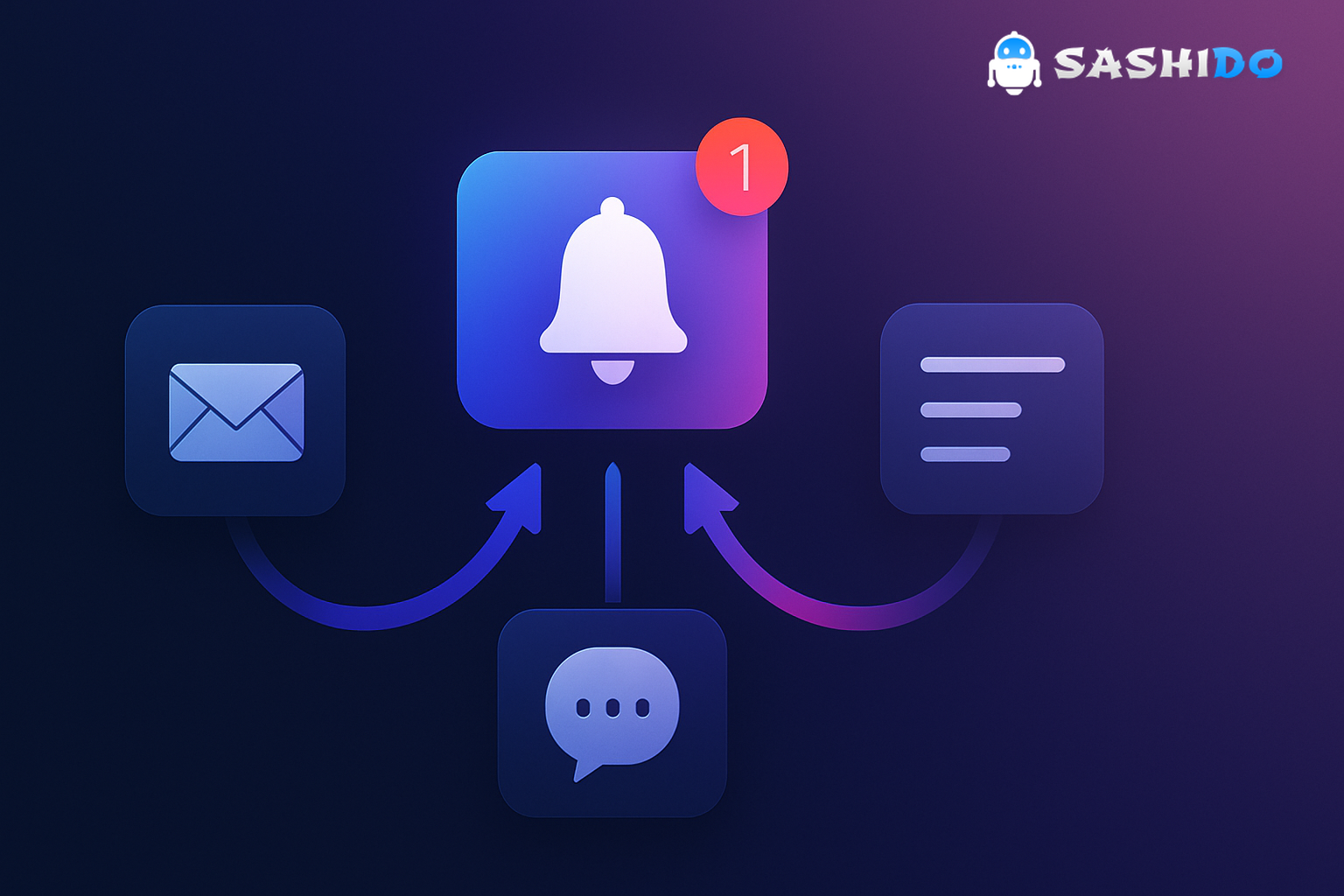
A better pattern is to treat push, email, SMS, and in-app as a single messaging system that adapts to what the user just did. That is where a push notification often earns its place as the fast feedback loop. It is the shortest path from intent to action when timing matters, and it is also the easiest channel to overuse when you do not have clear guardrails.
If you manage growth and retention, the practical goal is simple. Pick the right channel for the moment, then coordinate the follow-ups so your user only gets what moves them forward. Once you do that, experimentation gets easier, opt-outs slow down, and your messaging starts to feel consistent even when it runs across mobile and web.
After you define the “one system” idea, tooling matters because you need segmentation, scheduling, and delivery you can trust. If you want to see how we approach this in a developer-first way, you can explore the SashiDo - Push Notification Platform and map your first journeys without building the underlying infrastructure.
What Cross-Channel Messaging Actually Means in Practice
Cross-channel messaging is not “being present everywhere.” It is sending complementary messages that share context, so each channel does what it does best and does not step on the others.
In practice, that usually means you start with one trigger, then decide how the system should respond based on behavior. A common trigger is an install, a signup, a purchase, or a meaningful product action. From there, you pick the next best message and the safest channel to deliver it.
When teams skip this step, they often default to what is easiest to send, not what is easiest to receive. Push messages become a broadcast channel, email becomes the backlog of everything you did not say in push, and SMS becomes the panic button. That is when fatigue spikes. Users do not opt out because you sent a push notification. They opt out because you sent a push notification that ignored what they just did.
How a Push Notification Fits Into a Multi-Channel Flow
A push notification is best understood as a timing tool. It reaches someone when they are not actively in your product, and it does it without requiring you to collect an email address or phone number at send time. The trade-off is that you must earn opt-in permission and respect it.
A reliable cross-channel flow uses push for moments where immediacy matters, then uses other channels to deepen the story or confirm the outcome.
Think about three common situations:
First, onboarding. The moment after install is when intent is highest, but attention is fragile. A mobile push notification can nudge a user toward the first activation milestone, while an email series can carry the longer explanation of features, settings, and “how it works” details.
Second, transactional updates. Delivery, security, billing, and account state changes are typically time-sensitive. Push notifications can handle the real-time updates, while email provides an audit trail that users can search later.
Third, reactivation. If someone has gone quiet, push is often the lowest-friction “are you still interested?” check-in. If they engage, your follow-up can move to email where you can show more options, or to in-app where you can guide the next step.
The principle is consistent. Use push to create a timely next action, then use other channels to support it. Do not reverse that order unless your product behavior proves email is the real driver.
Choosing the Right Channel Without Annoying People
Channel choice is less about preference and more about context, compliance, and content length. When you decide which medium to use, start with two questions. What is the user doing right now, and what happens if they miss this message.
Mobile Push Notification
Mobile push notification works when you need speed, visibility, and a clear call-to-action. It is also where frequency mistakes are most obvious because notifications sit on the lock screen, and on iOS they influence whether users keep notifications enabled.
On iOS, push notifications are tightly integrated into the system’s notification controls, so “push notifications iPhone” behavior is shaped by per-app settings and Focus modes. If you need a refresher on Apple’s model, Apple’s Local and Remote Notification Programming Guide is still a useful reference for how remote notifications are handled at the platform level.
Web Push Notification
Web push notification is useful when your audience lives in the browser and you want a real-time nudge without requiring an app session. The technical foundation is standardized. The W3C Push API specification describes the browser interface, and MDN’s Push API documentation is a practical guide to what is supported and how permissions behave.
If you are thinking about a web push notification API from a product perspective, the key constraint is that browser permission prompts are unforgiving. If you ask too early, opt-in rates suffer. If you ask at the right moment, like after a user saves a search or follows a topic, web push can become a high-signal channel.
Email is your long-form channel. It is best for receipts, policy and security notices, “what changed” summaries, and any message that users will want to find later. The cost is speed and competition. The inbox is crowded, and you should assume delay.
SMS
SMS is the most interruptive channel, which is exactly why it can work in narrow cases. It is often a fit for critical alerts, last-mile delivery steps, and time-bound authentication or security events. It is also where compliance is non-negotiable. If your program touches promotional messaging, you need to understand consent requirements. The FCC’s TCPA rules (FCC-24-24A1) is an official place to start when you are aligning with TCPA guidance.
The Pattern That Makes Cross-Channel Work: Trigger, Context, Follow-Up
The teams that execute cross-channel well tend to share the same structure, even if their tools differ. They build around triggers, they capture context, and they define follow-ups that change based on behavior.
A trigger is the event that starts the flow. It can be an app install, a first purchase, an abandoned checkout, a price drop, or simply inactivity for 7 days.
Context is what prevents your messages from sounding generic. It includes what the user did, what they looked at, what they have already received, and their preferences across channels.
Follow-up is where coordination matters. Your follow-up should depend on whether the user engaged. If they opened the push notification and completed the action, your next message is usually confirmation or education, not another reminder. If they ignored it, you can try a different channel or a different value angle, but you should avoid stacking reminders without changing the reason to care.
This is also where retargeting becomes useful, as long as you keep it behavior-driven. A simple but effective example is a two-step reactivation: send a push message when a user has been inactive for 10 days, then send an email only to the segment that clicked the push but did not complete the in-app action.
Five Tips That Keep Multi-Channel Campaigns Measurable
Cross-channel is only worth the effort if you can measure what changed and improve it. The most practical way to do that is to anchor every flow to one primary outcome, then monitor the metrics that tell you whether you are helping or harming.
1. Start With a Measurable Plan
If you cannot say what “better” looks like, you will over-message in every channel because you will be chasing activity, not outcomes. Pick one core KPI per flow, then pick supporting metrics that explain it.
For onboarding, your primary KPI might be activation rate within 24 hours of install. Supporting metrics could include push opt-in rate, push open rate, and completion of the first milestone. For reactivation, your KPI might be returning active users within 7 days, with supporting metrics like click-through and unsubscribe or opt-out rate.
Benchmarks help you avoid guessing, but treat them as directional. If you are below your own baseline, optimize. If you are above baseline but opt-outs rise, you are probably trading short-term clicks for long-term channel loss.
2. Set Goals That Match the Journey Stage
A common mistake is to ask for conversion too early. Early-stage users need clarity, not pressure. Late-stage users need reminders and urgency, not education.
A practical way to keep this straight is to tie goals to the stage:
- In onboarding, aim for first value and preference capture.
- In retention, aim for habit loops and feature adoption.
- In reactivation, aim for a single clear reason to return.
When your goal matches the stage, channel choice becomes easier. Push is often the nudge, email is often the explainer, and SMS is reserved for truly time-sensitive moments.
3. Personalize, But Only With Data You Trust
Personalization that is wrong is worse than no personalization. If your “recommended item” is irrelevant, or your “last viewed” is outdated, users notice.
Start with a small set of reliable signals. Recency, last action, category interest, and plan tier usually outperform complex models when your tracking is still maturing. Then expand your segmentation as you validate data quality.
This is one place where we see teams get blocked by engineering. The moment your CRM manager needs developer time for every segment tweak, experimentation slows to a crawl.
4. Tailor the Message to the Channel
Cross-channel does not mean copy-pasting. Push messages need one action. Email can support multiple sections. SMS must be short and respectful.
The fastest way to improve performance is to write the push notification last, not first. Start with the user outcome, then choose the minimal words that make the action obvious.
If you build for mobile and web, also account for surface differences. Web push tends to work better for “something changed” alerts like price drops, content updates, or followed-topic activity. Mobile push can work for both “something changed” and “do this now” prompts, especially when it deep-links into an app.
5. Automate the Sequence, Then Add Guardrails
Automation is how you scale without blasting. Once the triggers are in place, your job shifts to guardrails: frequency caps, quiet hours, and preference handling.
A simple guardrail checklist that prevents most fatigue problems is:
- Ensure every flow has an exit condition, like conversion, unsubscription, or “already completed.”
- Enforce a per-user frequency cap per channel, not just per campaign.
- Avoid sending the same message in two channels within a short window unless the second channel is conditional on non-engagement.
- Separate transactional and marketing traffic so urgent alerts do not get throttled by promotional volume.
When these guardrails are missing, cross-channel turns into cross-noise.
Getting Started Fast Without Heavy Engineering
You do not need a perfect orchestration system to start. You need one flow that is tightly defined and easy to measure.
Start with a single journey that you can run end-to-end in two weeks. In most products, onboarding or reactivation is the best first target because the entry criteria are clear.
A practical setup sequence looks like this.
First, define the trigger and the segment in plain language. Example: “Users who installed but did not complete the first key action within 6 hours.”
Second, write the push notification as one action with one reason. If the reason cannot fit, it probably belongs in email or in-app.
Third, define the follow-up rule. If the user clicks but does not complete the milestone, send an email that explains the value and removes friction. If the user completes the milestone, send nothing, or send a short confirmation.
Fourth, set a frequency cap that is conservative. You can always increase later. You cannot easily win back trust after a week of noisy push messages.
Fifth, run two A/B tests at most. One on timing, one on value proposition. Testing more variables than that early on slows learning and makes it hard to attribute gains.
When you are ready to operationalize this without waiting on a custom-built system, we built SashiDo - Push Notification Platform to remove the infrastructure burden while keeping teams in control of data, delivery, and performance. In practice, that means you can move faster on segmentation and scheduling, then iterate based on real response instead of engineering availability.
If you are working on mobile apps, this also intersects with platform-specific requirements. For Android, the “android how to push notification” question often becomes a permission and UX question on newer versions. Android 13 introduced a runtime notification permission. Android’s official guide on the notification permission is worth reviewing because permission timing impacts opt-in rates, which in turn impacts the reach of your campaigns.
Where Cross-Channel Often Breaks (So You Can Avoid It)
The most common failure mode is treating cross-channel as additive. Teams add channels without subtracting messages. If you launch web push notification, email, and SMS, but keep your old push schedule, your volume spikes overnight.
The second failure mode is inconsistent state. A user converts, but your systems do not register it quickly enough, so they still receive reminders. This is why event freshness matters more than fancy personalization. A simple, accurate conversion event beats a complex profile update that arrives late.
The third failure mode is misaligned ownership. Push is owned by product, email by marketing, SMS by support, and nobody owns the journey. The fix is not a re-org. It is a shared journey spec, one owner per flow, and a weekly review of what users actually received.
If you are evaluating vendors during this stage, keep the comparison grounded in what blocks your team today. Usually it is speed to launch, segmentation flexibility, and delivery reliability. If you are specifically comparing options with OneSignal in the mix, we maintain a focused breakdown at SashiDo vs OneSignal so you can map differences to your own constraints.
Conclusion: Use Push Notification as the Timing Layer, Not the Whole Strategy
A strong cross-channel program is a set of coordinated decisions, not a pile of messages. When you treat push notification as the timing layer, you gain a fast way to nudge users at the right moment. When you pair it with email, SMS, and in-app based on behavior, you get a system that feels consistent and respectful.
The practical path is to start with one measurable journey, keep follow-ups conditional, and add guardrails before you scale volume. That is how you protect opt-in rates, reduce user fatigue, and still move fast enough to run real experiments.
When you are ready to remove engineering bottlenecks and scale personalized push notification campaigns, choose SashiDo - Push Notification Platform for unified iOS and Android push, advanced segmentation, scheduling and automation, and real-time delivery.
If you want more context on who we are beyond messaging, you can also visit the SashiDo homepage for platform documentation and product updates.
Frequently Asked Questions
What Is a Push Notification?
A push notification is a system-delivered message that appears on a device or browser even when your app or site is not actively open. In cross-channel campaigns, it works best as a timely prompt tied to a recent user action, with clear opt-in and frequency limits so it supports the journey instead of creating noise.
When Should I Use Push vs Email in a Cross-Channel Campaign?
Use push when timing matters and the next step is simple, like finishing setup or responding to a time-sensitive update. Use email when you need more space to explain details, provide receipts or policy context, or deliver content users will search for later. Many high-performing flows use push first, then email only if needed.
How Do I Prevent Over-Messaging Across Mobile Push Notification and Web Push Notification?
Start by owning a single per-user frequency cap across channels, not separate caps per campaign. Then ensure every flow has an exit condition, like conversion or a clear timeout, and make follow-ups conditional on behavior. If a user already acted on a push message, do not send the same reminder via email or web push.
What Is the Fastest Way to Start Testing Cross-Channel Journeys?
Pick one journey with clear entry criteria, like onboarding completion within 6 to 24 hours or reactivation after 7 to 14 days of inactivity. Test only timing and one value proposition at first, and review opt-out and unsubscribe rates alongside clicks. Early wins come from cleaner segmentation and better guardrails, not more messages.
