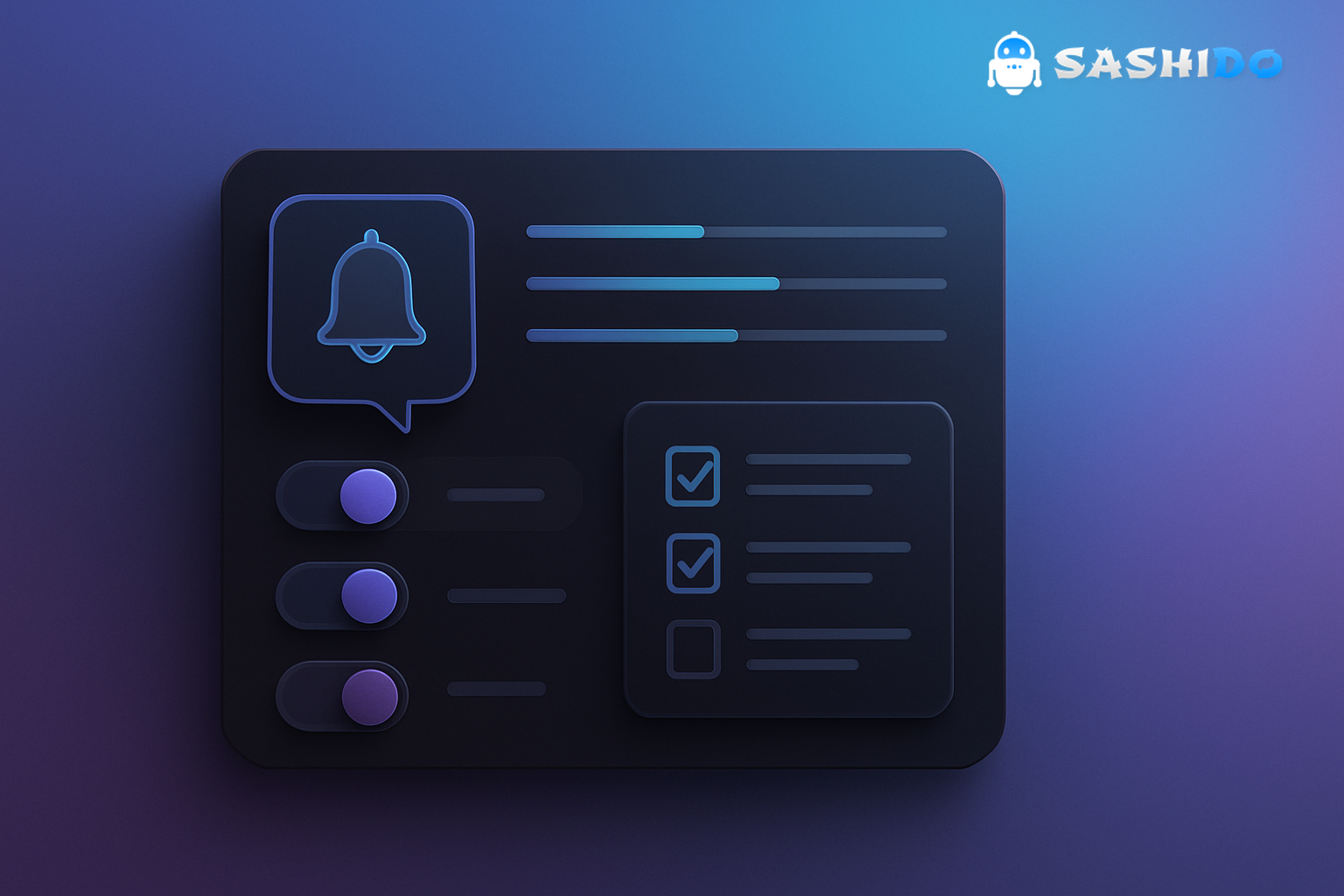
Most teams treat a push notification as a simple on or off switch. That works right up until you scale past the first few campaigns, start running multiple message types, and realize that one blunt choice forces users into an equally blunt response. They either tolerate everything or disable push messages entirely.
A user preference center fixes that by turning push from a binary permission into a managed relationship. It gives people a place to say yes to the messages that help them and no to the ones that feel like noise, without punishing you with unsubscribes.
In practice, preference centers are less about UI polish and more about avoiding predictable failure modes: message fatigue, consent confusion, regional compliance gaps, and channel conflict when CRM, product, and lifecycle flows all ship at once.
The core idea is simple. Give users control over topics, frequency, and timing. Then wire those choices directly into your segmentation and delivery rules so “what the user asked for” becomes “what actually gets sent”.
After you have that foundation, you can scale personalization confidently across mobile and web app push notifications, and you stop relying on your support team to manually explain notification settings that your product should have made obvious.
Narrow notifications to what matters. Set frequency and topics in your preference center now. If you want to map those preference states into real-time segments without heavy engineering, explore how we approach it in SashiDo - Push Notification Platform.
What A Preference Center Really Solves (And When It Is Worth It)
A preference center is worth building when you have at least two distinct notification “classes” that users value differently. That often happens earlier than teams expect. Transactional alerts like password resets or delivery updates are usually welcome. Marketing or content pushes are welcome only when they align with a user’s current intent.
Once you ship more than one class of push notification, you start seeing the same pattern in metrics: open rates flatten, opt-outs rise, and your best users become the most sensitive to over-messaging because they receive the most triggers.
From a Growth and Retention CRM Manager perspective, the preference center becomes the control surface for three outcomes that directly affect revenue: keeping permission, protecting attention, and turning engagement into repeat usage. It also becomes the practical answer to internal coordination problems. If product notifications, promotional pushes, and lifecycle nudges all share the same channel, you need a single source of truth for what is allowed.
A preference center is less useful if you only send occasional, purely transactional notifications, or if your product has no meaningful content categories to choose from. In that case, your best work is usually improving the opt-in moment and the notification copy, not adding toggles that nobody understands.
How A Push Notification Preference Center Works End To End
At a systems level, a preference center is a small set of user-controlled fields plus enforcement in your messaging pipeline. The enforcement part is where most teams stumble, because they build the page but do not make it authoritative.
A solid flow looks like this. First, you collect preferences explicitly, usually after a user sees the value of the app and not on the first screen. Second, you store the preference state in a durable profile record that your messaging system can query. Third, every campaign, automation, or triggered push checks that state before sending.
This applies across delivery surfaces. For a browser push notification, you still need a subscription and permission, but you also need your own topic and frequency logic. For mobile push, the OS permission is only the first gate. Your preference center is the second gate that preserves trust.
The web platform plumbing is standardized. The W3C Push API specification matters here because it clarifies the browser side of push delivery, but it does not solve preference management for you. That part is on your product.
What To Include In A Push Notification Preference Center
A preference center fails when it becomes a long list of unlabeled toggles. It also fails when it is so minimal that users cannot prevent fatigue. The balance is a small set of controls that match real message streams.
Start with the principle: every toggle should correspond to a recognizable benefit. If the user cannot predict what they will receive after turning something on, they will either ignore the screen or disable everything later.
In most SaaS, marketplaces, and content products, the most durable structure is:
- Channels: push notifications, email, SMS, and in-app messaging when relevant. Users often want different settings per channel because push is interruptive while email is catch-up.
- Topics: categories that map to meaningful product areas, not internal teams. Think “Security and Account”, “Order Updates”, “Product Tips”, “Promotions”, “Community Digest”.
- Frequency: a small set of options such as as-it-happens, daily digest, weekly digest, and rarely. Avoid custom schedules unless you truly need them.
- Quiet Hours: time windows where you will not send non-urgent pushes.
If you need copy clarity, use short, value-first descriptions. A toggle label like “Community Digest” is vague. A better pattern is “Community Digest. Weekly highlights and upcoming releases”. That one line prevents the most common preference-center support question: “What does this mean?”
You also need an explicit “unsubscribe from all marketing” option. People look for it. Hiding it tends to increase full push permission revokes at the OS level, which you cannot recover from with better segmentation.
Consent, Compliance, And The Reality Of Opt-In
Preference centers are often sold internally as a UX improvement, but they are also a consent-management tool. The difference matters because consent is not only a checkbox. It has to be provable, region-aware, and reversible.
If you operate in the EU, the GDPR text on lawful bases and consent is the anchor. In the US, email programs typically reference the FTC CAN-SPAM compliance guide for opt-out obligations. If you serve California residents, the California Consumer Privacy Act (CCPA) sets expectations around data rights and opting out of certain data uses.
Even if push notifications are not always regulated in the same way as email, your preference center is where you demonstrate the behavior that regulators and users both care about: clear permission, clear purpose, and easy reversal.
One practical constraint to keep in mind is that OS-level permissions do not equal marketing consent. On modern Android, notification permission is now a runtime decision for many apps. Android’s own notification guidance and UX patterns is a good baseline because it reflects how users are trained to manage interruptions.
Frequency Caps And Quiet Hours: The Levers That Prevent Unsubscribes
The fastest way to lose permission is not one bad message. It is a week where the user gets five “small” messages that each seem harmless in isolation. This is why preference centers that only offer topic toggles still underperform.
The general rule is simple. Give users a way to say yes, but less. That is what frequency caps are for. In CRM operations, the most common practical thresholds look like this:
- If you are sending more than 1 marketing push per day, offer at least a daily digest option.
- If you run multiple automations, add a global cap such as no more than 3 marketing pushes per week unless the user chooses as-it-happens.
- If you have true urgency messages, separate them into a distinct “critical” category and document what qualifies.
Quiet hours are the timing version of the same promise. Users do not think in terms of campaigns. They think in terms of being interrupted. If your audience spans time zones, quiet hours stop you from waking people up because a batch job ran on UTC.
On Android, users already expect granular controls through notification channels. The platform-level concept is documented in the Android notification channels overview. Your preference center should mirror that expectation in product language, even if the technical implementation differs.
Push Notification Examples That Make Preferences Feel Worth Setting
The goal of preference center copy is not to be clever. It is to make the choice feel safe and worthwhile. That means describing what the user gets, and what they avoid.
Here are a few patterns that consistently reduce confusion:
A promotional topic works when it is specific about value and implicitly limited. For example, “Deals and price drops. Only when something you saved gets cheaper”. That frames relevance and reduces fear of spam.
A product education topic works when it promises a digest. For example, “Product tips. A weekly recap of new features and shortcuts”. People rarely want real-time tips as push messages.
A transactional stream works when it is explicit about importance. For example, “Security alerts. Sign-ins, password changes, and suspicious activity”. This also makes it easier to justify why some alerts ignore quiet hours.
When teams skip this, preference centers turn into lists of internal labels. Users do not opt out because they hate push notifications. They opt out because they cannot predict what will arrive.
Android: How To Push Notification With Proper Controls
The search query “android how to push notification” usually starts as a developer implementation question, but in production it quickly becomes a product question. Once you can deliver, you have to decide what you should deliver.
On Android specifically, you have two overlapping control layers. The OS layer includes permission prompts, system settings, and notification channels that let users mute categories. The app layer should include your preference center, because OS settings alone cannot express “I want order updates but not promos” in a way that aligns to your CRM taxonomy.
A practical approach is to align app topics to the same mental model as channels. If your app exposes “Promotions”, “Order updates”, and “Account security” as categories, your preference center should expose the same set. That keeps your support documentation consistent and lowers the chance that a CRM campaign targets a category that the app does not recognize.
If you are using push notification React Native, this alignment matters even more because teams often ship cross-platform features quickly. The fastest failures we see are not SDK issues. They are taxonomy drift and missing enforcement. A preference center is the place to lock the taxonomy and make it durable.
Designing The Experience So People Actually Use It
Most preference centers are discovered only after a user is annoyed. That is still useful, but you can do better by placing the entry point in predictable locations.
In apps, the best-performing placement is inside Notification Settings, not buried in a generic Account page. On the web, a link from emails and an account settings page helps, but also consider linking it from a “Manage notifications” action in the push permission education screen.
Clarity beats completeness. If you show 20 toggles, users will either ignore them or turn everything off. A better pattern is to start with 4 to 7 options that map to real streams, and add more only when you can prove that the new toggle reduces opt-outs or increases conversion.
Accessibility is not a nice-to-have here. Low-contrast toggle labels and unclear focus states produce mis-configurations that feel like “the app ignored me”. When preferences feel unreliable, users revert to the one control they trust. Disabling push in OS settings.
Mapping Preference States To Segmentation And Delivery
This is where preference centers stop being a marketing concept and become an engineering contract.
Your CRM and product teams need to agree on a small set of preference fields that are stable over time. If “Promotions” becomes “Offers” in the UI but the segment still targets “promos_opt_in”, you get silent mismatch. Users think they opted out, but they keep receiving messages. That is the fastest route to spam reports and uninstalls.
For teams with limited developer resources, the key is to make the mapping explicit and auditable. For example, each preference should drive a tag, attribute, or segment membership that campaigns can reference. Frequency choices should drive a cap rule that is evaluated at send time, not just at schedule time, because triggered pushes do not respect calendars.
This is also the point where a mobile push notification service becomes more than a delivery pipe. You need segmentation, real-time updates, and guardrails around over-messaging.
When preference state has to drive both mobile and browser push notification audiences, it helps to centralize the preference record. That way, a user who turns off “Promotions” on the web does not keep getting promotional mobile pushes. This cross-surface consistency is where web app push notifications either earn trust or lose it.
If you are comparing platforms for this workflow, and OneSignal is on your shortlist, our SashiDo vs OneSignal comparison breaks down the practical differences in control, implementation paths, and ownership of data and delivery.
What To Measure After Launch (So It Does Not Become Shelfware)
Preference centers have a common failure mode. Teams ship them, link them once, and never connect them to outcomes. You want a small KPI set that tells you whether the center is reducing churn drivers.
Track these as a baseline, then compare 2 to 4 weeks before and after launch:
- Opt-out rate for push notification: both per-campaign and per-user weekly. The goal is fewer full revokes.
- Open rate and click-through rate: per topic, not just overall, because the preference center changes mix.
- Volume per user: average pushes per user per week, split by transactional vs marketing.
- Preference edit rate: if nobody edits preferences, the entry point or value explanation is weak.
- Downstream retention signals: return sessions, repeat purchases, or feature adoption tied to the topics users opted into.
One trade-off to expect is that total send volume often drops. That is not a failure. If your unsubscribe rate falls and engaged users stay opted in longer, you have created space for higher intent pushes that convert.
Sources And Further Reading
If you want canonical references for how push and consent behave at the platform and policy level, these are the ones we keep coming back to when designing preference-driven programs.
- W3C Push API Specification
- Android Notifications Design Guidance
- Android Notification Channels Documentation
- GDPR Official Text (EUR-Lex)
- FTC CAN-SPAM Act Compliance Guide
- California Consumer Privacy Act (CCPA) Overview
Frequently Asked Questions
What Is A Push Notification?
A push notification is a message your system can deliver to a device or browser even when the user is not actively using your app. In practice, it is an interruptive channel, so teams rely on permission plus preference controls to decide which push messages are allowed, when they can be sent, and which topics the user actually wants.
What Should A Push Notification Preference Center Include?
Include topic toggles that match real message streams, plus frequency choices and quiet hours so users can say yes without feeling overwhelmed. Keep labels value-focused, and always provide an easy way to opt out of marketing messages while preserving critical transactional alerts like security or account activity.
How Do Quiet Hours And Frequency Caps Reduce Opt-Outs?
They prevent the most common cause of churn in push programs. Accidental over-messaging from multiple campaigns and automations. Quiet hours stop poorly timed interruptions, and frequency caps stop message pileups. Together they make notifications feel predictable, which keeps users from revoking permission at the OS level.
How Do I Connect Preference Center Choices To Targeting?
Treat each preference as an enforceable rule, not a UI setting. Store the preference state in the user profile, map it to segments or attributes your messaging system can query, and apply frequency caps at send time. This prevents taxonomy drift and ensures opt-outs are honored across mobile and browser push notifications.
Conclusion: Make Push Notification Permission Durable
A preference center is how you turn push notification permission into something users can live with long-term. It reduces the pressure to choose all or nothing, and it gives you a clean contract between what users asked for and what your campaigns are allowed to send.
The teams that get the biggest ROI keep it simple, enforce it everywhere, and measure it like any other retention lever. Topics that match real value. Frequency that prevents fatigue. Quiet hours that respect attention. Then they connect those choices to segmentation so the system behaves consistently across devices and channels.
When you're ready to centralize preferences, automate consent, and reduce churn, explore SashiDo - Push Notification Platform for preference-driven segmentation, frequency control, and real-time delivery across mobile and web.
