Last Updated: April 21, 2026
Maya runs Growth and Retention at a 120-person subscription app. She is not short on ideas. She is short on engineering time and patience for “we will ship it next sprint.” Every month her dashboard tells the same story: plenty of free users hit the paywall, plenty bounce, and the few who do upgrade often do it after a confusing mix of emails, random push alerts, and one generic in app message that has been sitting in the app for a year.
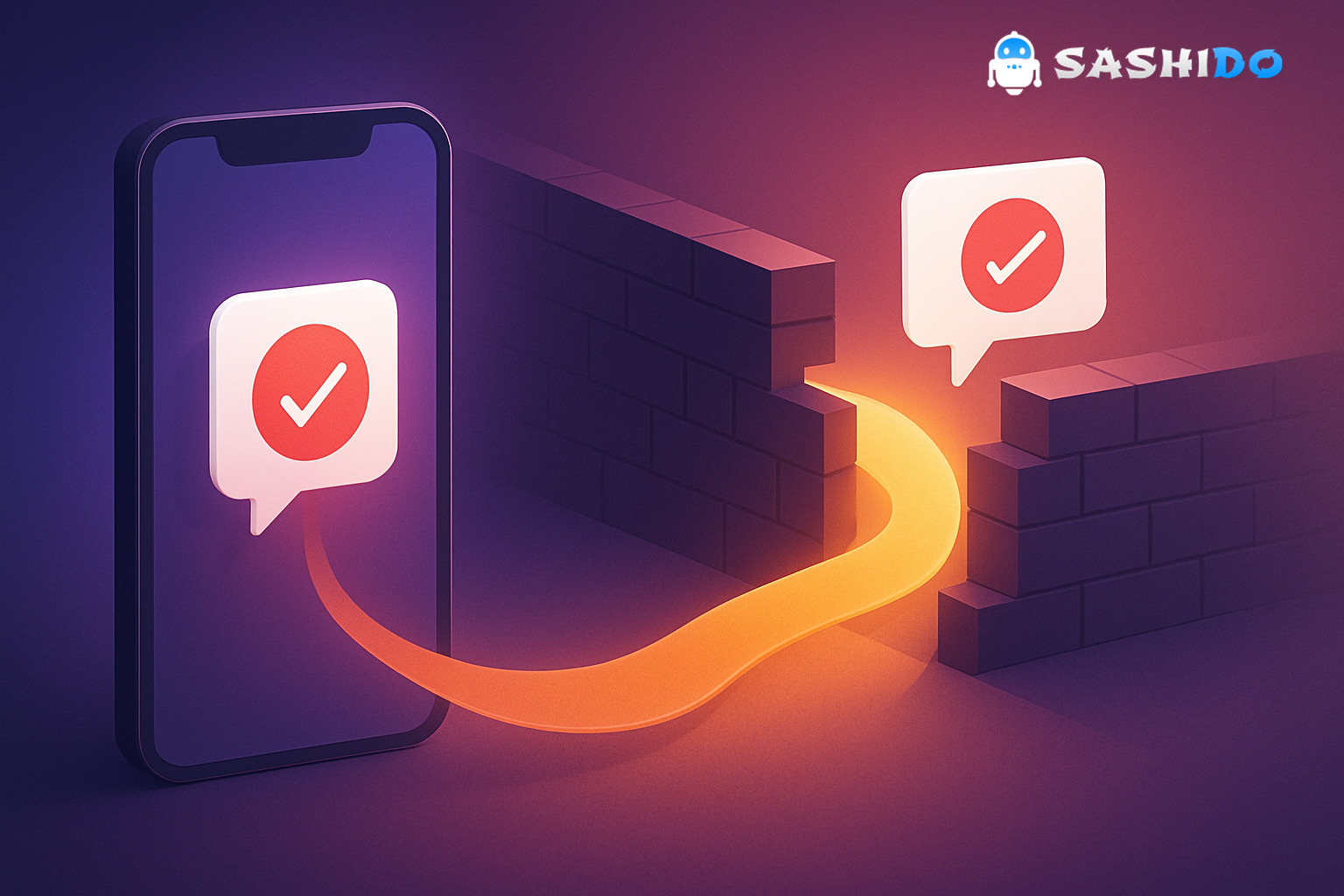
One Tuesday, she watches a replay session: a user opens the pricing screen, scrolls, taps a locked feature, hesitates, then leaves. No purchase. No follow-up. No gentle nudge when the user comes back tomorrow. That is the moment Maya realizes the problem is not the paywall copy. The problem is timing and targeting. If the paywall is a wall, users feel blocked. If the paywall is an express lane, users feel helped.
This article is the playbook I wish every Growth and Retention CRM Manager had on day one. It is practical, story-driven, and built around signals you can measure today. You will get ready-to-use segment definitions, message templates, timing recommendations, a debugging checklist, and a clear path to run this without turning your developers into a notification help desk.
If you want to implement the patterns quickly, keep full control over data and delivery, and avoid building infrastructure, the SashiDo Push Notifications Platform is designed for exactly this workflow.
Why conversions rarely fail at the paywall. They fail one step earlier
Maya’s team had been treating conversion as a single moment: user sees paywall, user buys or leaves. In reality, conversion is a sequence of micro-decisions. The user has to believe the product fits. Then they need a reason to act now. Then they need a frictionless path to complete the purchase.
Notifications are not just reminders. Done well, they are decision support. Done poorly, they are noise that trains people to disable alerts. Benchmarks show opt-in rates vary heavily by platform and category. Airship reports median opt-in rates around 49.8% on iOS and 61.4% on Android, which means you never get unlimited chances to reach people. Every unnecessary message is expensive in the one currency that matters: user trust. (Source: Airship Push Notification Benchmarks PDF)
If you are monetizing via in-app purchases or subscriptions, the upside is real. Business of Apps cites roughly $380B in global in-app purchases spending, which is why the teams who master relevance and cadence tend to win. (Source: Business of Apps. In-App Purchases Guide)
So Maya changes her approach. She stops asking “what offer should we send.” She starts asking “what signal tells us this user is ready, and what is the smallest, most helpful message we can send at that exact time.”
The 4 conversion-ready segments you can build from real behavior
You do not need a huge data science team to target well. You need a consistent event stream, a few user properties, and discipline about definitions. Maya starts with four segments that show strong purchase intent across many app types.
1) 7-day active users. The people already voting with their time
Maya defines a simple segment: users who opened the app at least once in the last 7 days and have at least 3 sessions. She adds a second qualifier for “depth,” like session duration above a threshold or key actions completed.
These users are not asking “is this app real.” They are asking “is it worth paying.” Your goal is to reward commitment and remove doubt.
A practical move is to combine a small in app message during an engaged moment with a follow-up push alert only if they do not convert.
Example in app message (when they complete a meaningful action):
If you are using this feature weekly, Premium unlocks unlimited exports and faster results. Want a 7-day trial?
Example push alert (24 hours after they hit the paywall but did not purchase):
Still thinking about Premium? Here is a 7-day trial so you can finish your next project without limits.
2) Premium-feature explorers. The people testing the locked door
Maya’s app has a locked “Team sharing” feature. She tracks “premium_feature_viewed” and “paywall_dismissed.” If a user triggers those events twice in 48 hours, that is intent, not curiosity.
This is where most teams overpush. The right move is a short nudge with a concrete benefit. You are not selling “Premium.” You are selling “the job they were trying to complete.”
Example in app message (right after they tap the locked feature):
Want to share this with your team? Turn on Team Sharing with a 14-day trial. You can cancel anytime.
Example push alert (if they leave within 10 minutes):
Quick tip: Team Sharing is included in Premium. Start a trial and send your first shared link today.
3) Near-milestone users. The people who are almost done
Milestones are not only for games. In a finance app, it might be “first budget created.” In a learning app, “lesson 5 completed.” In a B2B-ish mobile app, “first workflow automated.”
Maya builds a segment: users who are 1 to 2 actions away from a milestone that correlates with retention, and who have previously seen the paywall.
Here the emotion is progress. Your message should feel like an assist, not a toll.
Example in app message (when they are one step away):
You are one step from completing your setup. Premium unlocks the final automation so you can finish in under 2 minutes.
Example push alert (at their usual active time if they drop):
Pick up where you left off. Finish your setup tonight and unlock the final step with Premium.
4) Community-engaged users. The people buying belonging
If your app has social or community behaviors, these often predict both retention and willingness to pay. Maya’s product has comments and “likes.” She defines “community engaged” as at least 3 interactions in 7 days.
With these users, lead with identity and access. Paying is often framed as supporting the community, unlocking recognition, or gaining moderation tools.
Example in app message (after they post or receive replies):
Your posts are getting traction. Premium gives you advanced filters and priority replies so you can stay on top of the conversation.
Example push alert (when they get a meaningful response):
New replies on your post. Open to see them. Premium members can pin and highlight key updates.
In app messaging vs push alerts. How Maya decides what to use
Maya’s rule becomes simple: if the user is currently in the app and the message is contextual, she uses in app messaging. If the user is not in the app and the message is time-sensitive or routine-based, she uses push alerts.
Platform guidelines back this mindset. Both Apple and Android emphasize that notifications should be timely, relevant, and respectful of attention. If you send notifications that do not match user expectations, the OS gives people easy tools to turn you off. (Sources: Apple Notifications HIG, Android Notifications Design Guidelines)
A helpful way to think about it:
- Use in app messaging for “help me decide” moments, like paywall hesitation, feature discovery, onboarding, and micro-education.
- Use push alerts for “come back now” moments, like expiring trials, abandoned flows, routine nudges, and real-time triggers (price drops, replies, approvals, deliveries).
Maya also learns a hard lesson: if a message requires explaining why it matters, it is usually better as an in app message first. Push alerts have no patience for long context.
Cadence and consent. The fastest way to lose opt-ins is to “test more”
When Maya started A/B testing, she made the classic mistake: she increased message volume to “get significance faster.” CTR went up briefly. Opt-outs climbed. Net revenue flattened.
Instead, she implements three guardrails that keep campaigns aggressive but safe.
First, she sets a frequency cap per user per day and per week. She treats pushes and in app messages separately. In app messaging can be more frequent if it is purely contextual and can be dismissed easily. Push alerts get a stricter cap because they interrupt.
Second, she uses a “cooldown after conversion intent.” If someone views the paywall and dismisses, she allows one follow-up push within 24 hours. After that, she waits until the next high-intent event. This prevents the spiral of “they said no. So shout louder.”
Third, she earns permission with a value story. On iOS especially, the first prompt matters. She uses an in app pre-prompt that explains what they will get. “Price drop alerts.” “Reminders when your team replies.” “Updates only for features you follow.” Then she asks for OS permission.
This is where a developer-first platform helps. If you can target based on real-time events, you do not need brute-force volume.
The conversion playbook. Message templates and timing that keep momentum
Maya documents a simple campaign map so everyone. marketing, product, and engineering. is aligned. Each segment gets a trigger, a primary message, a fallback, and a measurement plan.
Segment A. 7-day active users
Trigger: user is 7-day active and completes a high-value action.
Primary in app message: value plus one next step.
Timing: immediately after action completion.
Fallback push alert: 24 hours later if no purchase and user has not returned.
Template ideas:
If you are using this daily, Premium removes the limit and adds priority support. Start a trial?
Your next export is capped on Free. Premium unlocks unlimited exports. Want a 7-day trial?
Segment B. Premium-feature explorers
Trigger: premium_feature_viewed twice in 48 hours or paywall_dismissed twice in 48 hours.
Primary in app message: job-to-be-done framing.
Timing: right after the second exploration event.
Fallback push alert: within 1 hour if they leave without purchasing.
Template ideas:
Unlock Team Sharing so you can send this to your team today. Start a trial.
Premium unlocks the feature you just tried. Turn it on and finish in one session.
Segment C. Near-milestone users
Trigger: user is within 1 to 2 steps of milestone and has not purchased.
Primary in app message: progress plus shortcut.
Timing: at the moment they hit the “almost done” state.
Fallback push alert: at their usual active time the next day.
Template ideas:
You are almost there. Premium unlocks the final step so you can complete this now.
Finish your streak today. Premium members get the boost that helps you reach your goal faster.
Segment D. Community-engaged users
Trigger: user posts, comments, or receives replies. plus at least 3 community interactions in 7 days.
Primary in app message: identity, access, recognition.
Timing: after a meaningful community event.
Fallback push alert: real-time notification when they get a reply, with a Premium add-on mention only if they have seen the paywall before.
Template ideas:
People are engaging with your posts. Premium gives you advanced tools to keep up.
Stay in the loop. Get reply alerts and unlock pinned highlights with Premium.
The A/B tests that actually teach you something
Maya stops testing “headline A vs headline B” in isolation and focuses on tests that inform product positioning.
She runs three recurring experiments:
- Benefit framing. time saved vs outcome achieved vs social proof.
- Offer mechanics. trial length, discount vs bonus feature, “cancel anytime” placement.
- Trigger timing. immediate vs 10 minutes later vs next habitual session.
She keeps success metrics tied to the full funnel, not just CTR: conversion rate, trial-to-paid, 7-day retention, and opt-outs.
Measuring what matters. A tiny dashboard that keeps you honest
Maya’s first reporting mistake was celebrating click-through rate. It is a vanity metric unless it correlates with purchase and retention.
Her working dashboard is small on purpose:
- DAU and 7-day active rate. to ensure she is not converting at the cost of engagement.
- Session duration or key action count. to validate message relevance.
- CTR for pushes and in app messaging separately. because they behave differently.
- Conversion rate by segment. not overall.
- Opt-outs and notification settings changes. because churn often starts here.
When she sees opt-outs rise in one segment, she does not “pause notifications.” She revisits the trigger and the promise. Usually the fix is sending fewer messages, later, with clearer intent.
The infrastructure piece. Doing this without losing data control
At this point Maya has the playbook, but she is blocked by two practical realities:
First, engineering does not want another fragile set of custom scripts to fire notifications.
Second, the company is more cautious about data sharing. They want full control over user data, events, and delivery logs.
This is where a platform choice matters as much as copy.
SashiDo is built for teams that want developer-first control without running messaging infrastructure. You can wire real-time events to push alerts and in app messaging, keep segmentation precise, and scale securely. If your product stack includes a Parse Server compatible backend, this approach feels natural because user objects, events, and permissions are already part of your model.
Maya also appreciates that her developers can keep ownership of implementation details while she keeps ownership of campaign logic. That is the sweet spot for a 50 to 500 employee company.
If your app is built with Capacitor, you can still keep the workflow clean. Most of the complexity is not the UI layer. It is the reliability of device tokens, permission states, and platform-specific quirks. A good platform abstracts the busywork while letting engineering debug what matters.
Debug push notifications like a grown-up. What Maya checks before blaming copy
When a push campaign underperforms, Maya used to rewrite copy. Later she learned to ask a more basic question: did the message actually arrive, and did it arrive when it still mattered.
Here is the debugging checklist she now runs with engineering. It is intentionally non-glamorous, because most delivery issues are boring.
- Confirm permission state by OS. iOS users can be opted out at the system level even if they accepted earlier.
- Validate token freshness. stale device tokens create invisible delivery decay.
- Check TTL and expiry. If the offer expires in 2 hours but the notification sits in a queue, you have trained users to distrust you.
- Verify deep links. If the push opens a generic home screen, you lose the moment.
- Segment sanity. Sample 20 users from the segment and confirm they truly match the behavior.
- Time zone logic. “9am send” needs to mean 9am local, not 9am UTC.
Apple’s guidance on notification best practices also calls out prioritization and efficient handling. Those choices affect timeliness and battery use, which affects user trust over time. (Source: Apple Notification Best Practices)
When it is time to replace Firebase push notifications
Maya’s company started on Firebase Cloud Messaging because it was the fastest path to “hello world” pushes. That is common, and FCM is a solid transport layer. (Source: Firebase Cloud Messaging documentation)
The pain showed up later. They wanted:
- true marketer-friendly segmentation without rebuilding it themselves
- consistent cross-platform analytics and delivery logs
- A/B tests tied to conversion, not just delivery
- stronger data control and the ability to evolve their backend without being boxed into one ecosystem
That is when teams start searching for a Firebase push notifications alternative and planning how to replace Firebase push notifications without breaking existing mobile builds.
A practical migration plan is to run both systems in parallel for a short window, route only one or two segments through the new provider, and compare delivery, latency, and opt-out impact. Your engineering team should also validate android push notification integration details like notification channels, priorities, and deep link behaviors. Android has good guidance here, but you still want real device testing across OEMs. (Source: Android notifications guidelines)
If you want a deeper technical comparison and the trade-offs around ownership and control, this breakdown is useful: SashiDo vs Firebase.
The part nobody tells you. Personalization is a contract
After two months, Maya’s conversions improve, but her biggest win is quieter: fewer complaints, fewer “stop spamming me” reviews, and fewer opt-outs.
What changed is not only segmentation. It is that every message now makes a promise that the app keeps.
If the push alert says “your teammate replied,” the deep link shows the reply.
If the in app message says “finish in 2 minutes,” the next screen actually helps them finish.
That is why personalization is a contract. Once users feel you understand their intent, they tolerate fewer mistakes. You have to earn the right to interrupt.
If your team is ready to turn this playbook into reliable campaigns without building infrastructure, you can explore SashiDo’s Push Notifications Platform and launch segmented push and in app messaging journeys with full control over data, delivery, and performance.
For teams that are just starting, it is also worth browsing the broader platform context on the SashiDo homepage so you can align messaging with your backend and data strategy.
Conclusion. In app messaging plus push alerts. The express lane approach
Maya’s paywall did not change much. Her conversion did. The difference was learning to treat in app messaging as the moment of clarity, and push alerts as the timely tap on the shoulder that brings people back when it matters.
Start with four segments you can defend with data: 7-day active users, premium-feature explorers, near-milestone users, and community-engaged users. Write messages that finish the job the user was already trying to do. Cap frequency so you protect opt-ins. Then make delivery boring and reliable by instrumenting events, keeping logs, and knowing how to debug push notifications before you rewrite copy.
If you do that, your paywall stops being a wall. It becomes the express lane it was supposed to be. and in app messaging becomes the guidance users thank you for, not the noise they disable.
