Last Updated: July 13, 2026
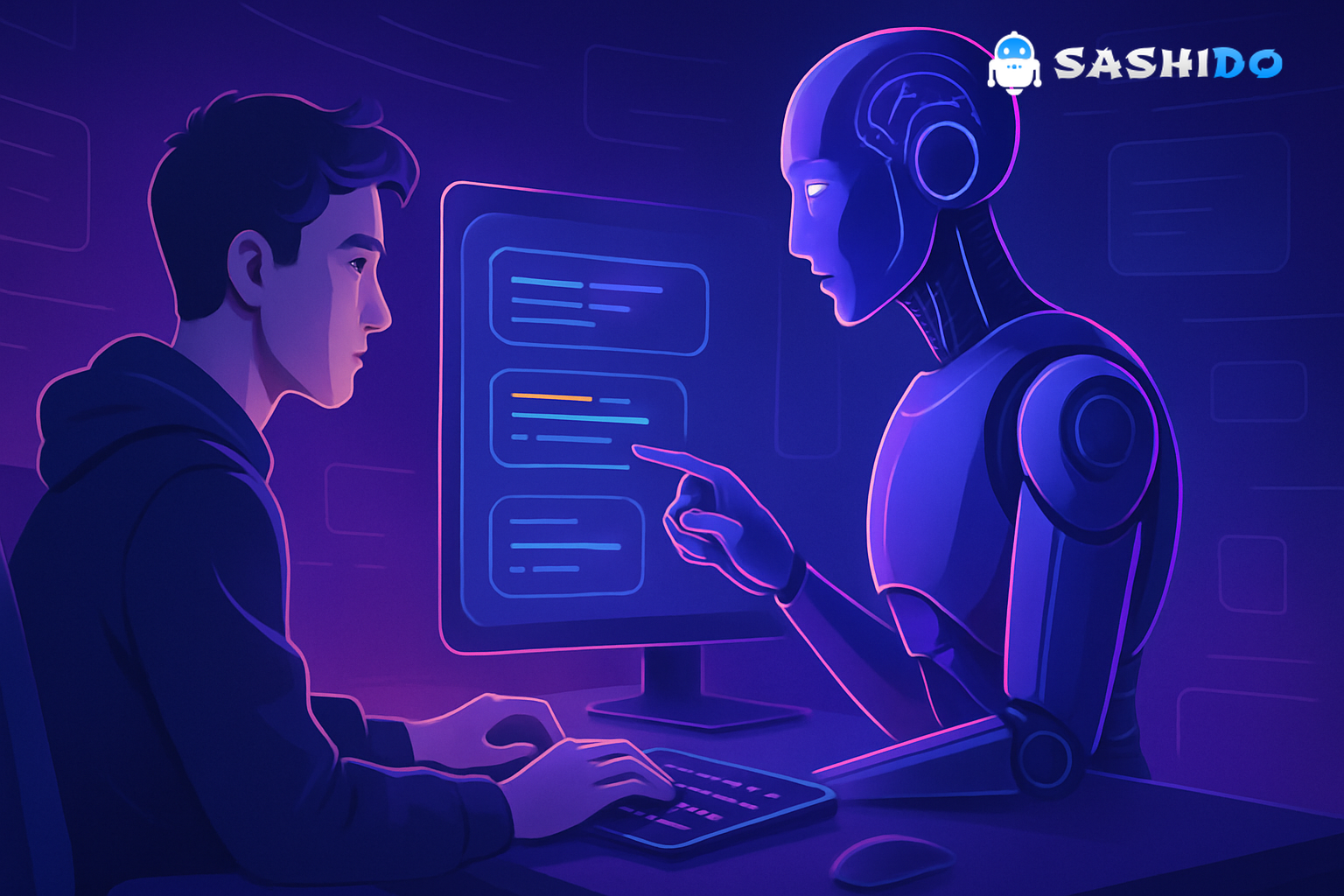
If you spend any time on tech Twitter or indie hacker forums, you’ve seen the term Vibe Coding. The pitch is seductive: describe your idea in natural language, let an AI coding tool write the code, and ship an app in an evening. No deep stack knowledge, no years of practice - just vibes.
Vibe coding absolutely works in some cases. But if you’re a non-technical founder or indie developer trying to build something real - especially an AI-powered SaaS - you’ll quickly discover where the vibes end and the engineering begins.
This article breaks down what vibe coding is, what it actually feels like to use, where it breaks, and how to combine coding with AI and solid backend infrastructure so your app doesn’t fall apart the moment real users show up.
Understanding Vibe Coding
At its core, Vibe Coding means building software by talking to generative AI tools instead of writing every line of code yourself.
You:
- Describe what you want: “Build a simple budgeting app with login, dashboard, and charts.”
- Let an AI coding tool (ChatGPT, Gemini, Claude, etc.) generate the frontend and sometimes the backend code.
- Iterate by refining with more prompts instead of opening a textbook or Stack Overflow.
Generative AI coding tools can now:
- Write and refactor code in multiple languages
- Explain unfamiliar code in plain language
- Generate tests and documentation
- Suggest architectures and libraries
GitHub, for example, reports that developers using AI assistants like Copilot feel up to 75% more satisfied with their work and complete tasks significantly faster in some scenarios.¹ McKinsey estimates that generative AI could automate 20-45% of software engineering activities.²
So the promise is real. The catch is that writing “mostly-working demo code” is not the same as running a production app.
If you’re curious how far AI agents can take you, check out this real-world story of shipping an MVP on SashiDo using vibe coding. It follows a non-developer’s journey from idea to working product with AI in the loop.
How Vibe Coding Actually Feels in Practice
On social media, vibe coding is portrayed as: one perfect prompt → complete app.
In reality, it’s much closer to:
- Write a vague prompt.
- Get code that kind of does something.
- Discover edge cases and bugs.
- Explain the bug in natural language.
- Get a slightly better version with a different bug.
- Repeat until you’re either happy or exhausted.
Modern AI models - like OpenAI’s code-focused guides³ and Google’s Gemini code tools⁴ - are optimized for helping you code, not fully replacing the engineering discipline behind real systems.
For small, self-contained projects like:
- A static landing page
- A toy game in the browser
- A personal script or data-cleaning tool
vibe coding can feel magical. You describe what you want, tweak a few prompts, and you’re done.
Where it starts to hurt is when you move beyond a toy project into something that needs:
- Persistent data (users, payments, analytics)
- Authentication and authorization
- Real-time updates
- Error handling, logging, and observability
- Scalability beyond a few beta testers
That’s where the gap between “AI-generated code” and “working product” becomes obvious.
Where Vibe Coding Breaks Down
When you lean fully on coding with AI for anything non-trivial, a few predictable problems show up.
1. Fragile mental models
AI-generated code often works but is hard to reason about, especially if you’re not a seasoned engineer.
You might see:
- Functions that are correct but overly complex
- Inconsistent naming, patterns, or error handling
- Sudden changes in libraries or approaches between iterations
When something breaks, you’re stuck in a loop:
“It doesn’t work. Here’s the error.” → New code → New error → Repeat.
Without a solid understanding of what the code is doing, debugging via vibes gets frustrating fast.
2. Hidden complexity in the backend
Most vibe coding demos focus on the frontend - what you can see in the browser. But as soon as you need a real backend, AI tools start improvising:
- Spinning up an ad hoc Express server or Flask app
- Suggesting DIY authentication with JWTs stored in localStorage
- Bolting on a random SQL or NoSQL database
On paper, that’s fine. In production, you now own:
- Security patches
- Database backups
- API rate limits
- Infrastructure scaling
- Monitoring and incident response
For a non-technical founder, that’s essentially a stealth DevOps role you didn’t sign up for.
3. Unreliable behavior and hallucinations
Generative AI is probabilistic by design. NIST’s AI Risk Management Framework highlights unpredictability and robustness as core risks to manage.⁵
That plays out in code as:
- The same prompt producing different implementations
- Subtle regressions when you “just fix this one bug”
- Confidently wrong APIs, library calls, or assumptions
You aren’t just debugging code. You’re debugging the model’s understanding of your app.
4. Scaling and data sovereignty
Your AI-generated prototype might run great on localhost. But once you add:
- Real users across multiple countries
- Compliance requirements (GDPR, Schrems II, etc.)
- AI features that touch sensitive user data
…you suddenly have infrastructure choices that AI can’t responsibly make for you.
You need clear answers to:
- Where is my data physically stored?
- How do I scale without re-architecting everything?
- What happens when I hit rate limits or database bottlenecks?
Those questions live below the layer most vibe coding tutorials even mention.
Here’s a handy read if you’re working with Cursor: this article breaks down 10 pro tips to help you get better output from the Cursor agent. Great for turning AI-assisted coding into a repeatable workflow.
What AI Is Great At - And What It Isn’t
If you’re building AI for app development into your workflow as a founder or indie dev, it helps to be very explicit about what AI should and shouldn’t do.
Let AI do this
- Boilerplate code
- CRUD handlers, DTOs, serializers
-
API wrappers, SDK scaffolding
-
Glue code and refactors
- Converting callbacks to async/await
-
Porting small modules between frameworks
-
Exploration and learning
- “Show me three ways to structure this feature.”
-
“Explain this error like I’m new to JavaScript.”
-
Test and doc stubs
- Generate first-pass unit tests
- Draft API docs and README files
Don’t expect AI to do this (without help)
- Choose and enforce your architecture
-
Data models, multi-tenant strategy, eventing
-
Guarantee security and compliance
-
Correct handling of PII, access control, encryption
-
Own your reliability
-
SLOs, incident response, observability
-
Make long-term infrastructure trade-offs
- Vendor lock-in vs open source
- Cloud provider and region strategy
You can absolutely ask AI for guidance on these, but you shouldn’t assume its answers are safe to ship without validation.
Turning Vibes into Real Apps: Backend Realities for Non‑Developers
Here’s the uncomfortable truth: the more your app matters, the less you can afford a completely improvised backend.
If you’re a non-technical founder or solo dev, your real constraints usually look like this:
- You don’t want to hire a full DevOps team.
- You don’t want to maintain Kubernetes clusters.
- You do care about GDPR, uptime, and performance.
- You still want to build quickly using AI coding tools.
That’s where a managed backend platform becomes the missing piece between vibe coding and production.
A good backend platform for AI-era builders should:
- Give you auth, database, files, and real-time out of the box
- Run on reliable, privacy-conscious infrastructure (e.g., fully in the EU for GDPR-native compliance)
- Be auto-scalable so you don’t play traffic-whack-a-mole
- Expose clean APIs that AI models can easily generate code against
- Avoid vendor lock-in by using open-source foundations (like Parse Server⁶)
With that in place, your vibe coding sessions stop producing fragile one-off servers and instead target a stable, well-defined backend surface.
Tips for More Effective Vibe Coding Sessions
Vibe coding doesn’t have to be chaos. With a bit of structure, you can get much more value from your AI assistants.
1. Start with behavior, not implementation
Describe what the user should experience, not which framework you think you need:
“A user logs in, sees their current balance, and can add income or expense items. The data should persist between sessions.”
Then let the AI propose:
- Stack choices (React vs Vue vs Svelte)
- Data models
- API shapes
You can always push back or change direction.
2. Fix scope before fixing bugs
Before you ask the AI to debug, clarify the intended behavior:
- “When the elevator is full, it should remember waiting passengers and return later.”
- “Requests should be processed in the order they were made, not just nearest floor first.”
Clear rules make it easier for the model to adjust logic instead of randomly patching symptoms.
3. Keep your backend surface small and consistent
Pick a stable backend early - BaaS, Parse-based platform, or a single well-structured API - and stick to it.
Tell the model explicitly:
“The backend is already implemented. Call these REST endpoints and never spin up a new server.”
This prevents:
- Random Express/Flask/Django micro-backends
- Multiple conflicting auth implementations
- Data being saved in unexpected places
4. Iterate in layers
Instead of asking for "a complete app," work in layers:
- Data model & API - define objects and endpoints.
- Happy-path UI - only the main flow, no edge cases.
- Edge cases & errors - invalid input, timeouts, empty states.
- Polish - styling, microcopy, accessibility.
This mirrors how experienced engineers work and makes AI’s job easier.
5. Use external validation
Don’t rely solely on the model’s confidence. Cross-check:
- Library APIs against their official docs
- Security recommendations against OWASP guidance⁷
- Compliance assumptions against reputable sources (e.g., EU GDPR resources⁸)
A few minutes of validation can prevent days of debugging later.
Here’s a useful guide if you’re experimenting with vibe coding: this post walks through how to use Cursor effectively, with real examples and lessons learned. A great reference for turning AI prompts into working code.
When to Stop Prompting and Start Architecting
A good rule of thumb: when you’re asking the AI to fix the same class of bug for the third time, you don’t have a prompting problem - you have an architecture problem.
Signs you should zoom out:
- You keep re-explaining core business rules to the model.
- Minor UI tweaks break core logic.
- Adding one new feature requires touching “everything.”
At that point, step back and ask:
- Is my data model clear and stable?
- Is my backend a well-defined service, or a tangle of scripts?
- Can I describe my architecture in a single paragraph?
If the answer is “no,” you’ll get more leverage from fixing the architecture (possibly with AI’s help) than from writing yet another bug-fix prompt.
One practical way to de-risk this is to anchor your app on a stable, managed backend instead of a DIY server. For many European SaaS teams and indie founders, that means using a Parse Server-based backend that runs entirely on EU infrastructure, gives you auth, database, files, real-time subscriptions, background jobs, and AI-ready APIs out of the box, and removes the need for a dedicated DevOps team. That way you can spend your vibe coding energy on product logic and AI features, while a specialized platform handles scaling, data sovereignty, and operational reliability. If that sounds like the balance you’re looking for, it’s worth taking a moment to explore SashiDo’s platform as the foundation beneath your AI-generated code.
Conclusion: Make Vibe Coding Work for You, Not Against You
Vibe Coding isn’t a scam, but it’s also not a magic button.
Used thoughtfully, generative AI can:
- Turn ideas into working prototypes in hours instead of weeks
- Help non-technical founders and indie devs learn by doing
- Boost productivity for experienced engineers¹
But if you rely on it blindly, you’ll run into:
- Fragile code that’s hard to debug
- Backends that don’t scale or comply with real-world constraints
- Apps that work on demo day but fail with real users
The way forward is not to abandon vibe coding, but to ground it:
- Use AI coding tools for what they’re best at: boilerplate, exploration, and refactoring.
- Keep a tight, stable backend surface - ideally on a managed, open, scalable platform.
- Validate AI’s suggestions against external sources and your own constraints.
Do that, and vibe coding stops being a clever party trick and becomes a serious way to build working products faster - without pretending that infrastructure, security, and data sovereignty don’t matter.
⚙️ From AI Prompts to Production Apps - No DevOps experience Needed
SashiDo gives your AI-generated code a rock-solid foundation - Parse Server backend, real-time data, Cloud Code, EU-native hosting, and zero DevOps overhead. Move beyond demos and ship real products faster.
Try SashiDo Free TodayReferences
- GitHub - The economic impact of the AI-powered developer lifecycle: https://github.blog/news-insights/research/the-economic-impact-of-the-ai-powered-developer-lifecycle/
- McKinsey - The economic potential of generative AI: https://www.mckinsey.com/capabilities/mckinsey-digital/our-insights/the-economic-potential-of-generative-ai-the-next-productivity-frontier
- OpenAI - Code generation and understanding: https://platform.openai.com/docs/guides/code
- Google - Gemini API for code: https://ai.google.dev/gemini-api/docs/code
- NIST - AI Risk Management Framework: https://www.nist.gov/itl/ai-risk-management-framework
- Parse Community - Parse Server GitHub repository: https://github.com/parse-community/parse-server
- OWASP - Top 10 Web Application Security Risks: https://owasp.org/www-project-top-ten/
- European Commission - EU data protection rules (GDPR): https://commission.europa.eu/law/law-topic/data-protection/eu-data-protection-rules_en
